Tips for editing photos for maximum impact
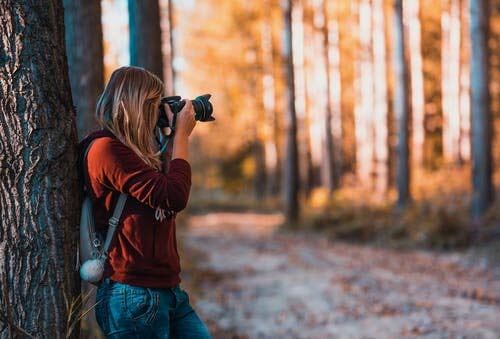
Whether you’re an amateur photographer taking your very first snap, or a seasoned professional, the editing process is key to ensuring your images hit the mark – so we’ve put this handy little guide together to give you some tips for editing photos that are print-ready in no time!
First off, you want to make sure the photos you’ve taken are of a high standard – this way the whole process runs much more smoothly than if you’re trying to correct mistakes in the edit. Then just follow these photo editing tips to get that impact you’re looking for.
Choose editing software the suits the task
With so many photo-editing programmes out there it can be hard to choose one.
Free software on social media apps like Instagram mainly work with presets to make them simple for anyone to use – you just select and go. On the other hand, subscription software such as Adobe Photoshop comes complete with all the bells and whistles you could ever need to make mind blowing creative photo edits, along with in depth tutorial videos filled with tips for editing photos to a professional level.
For the beginner, we love Canva photo editor as a simple and clear introduction while you’re learning the ropes.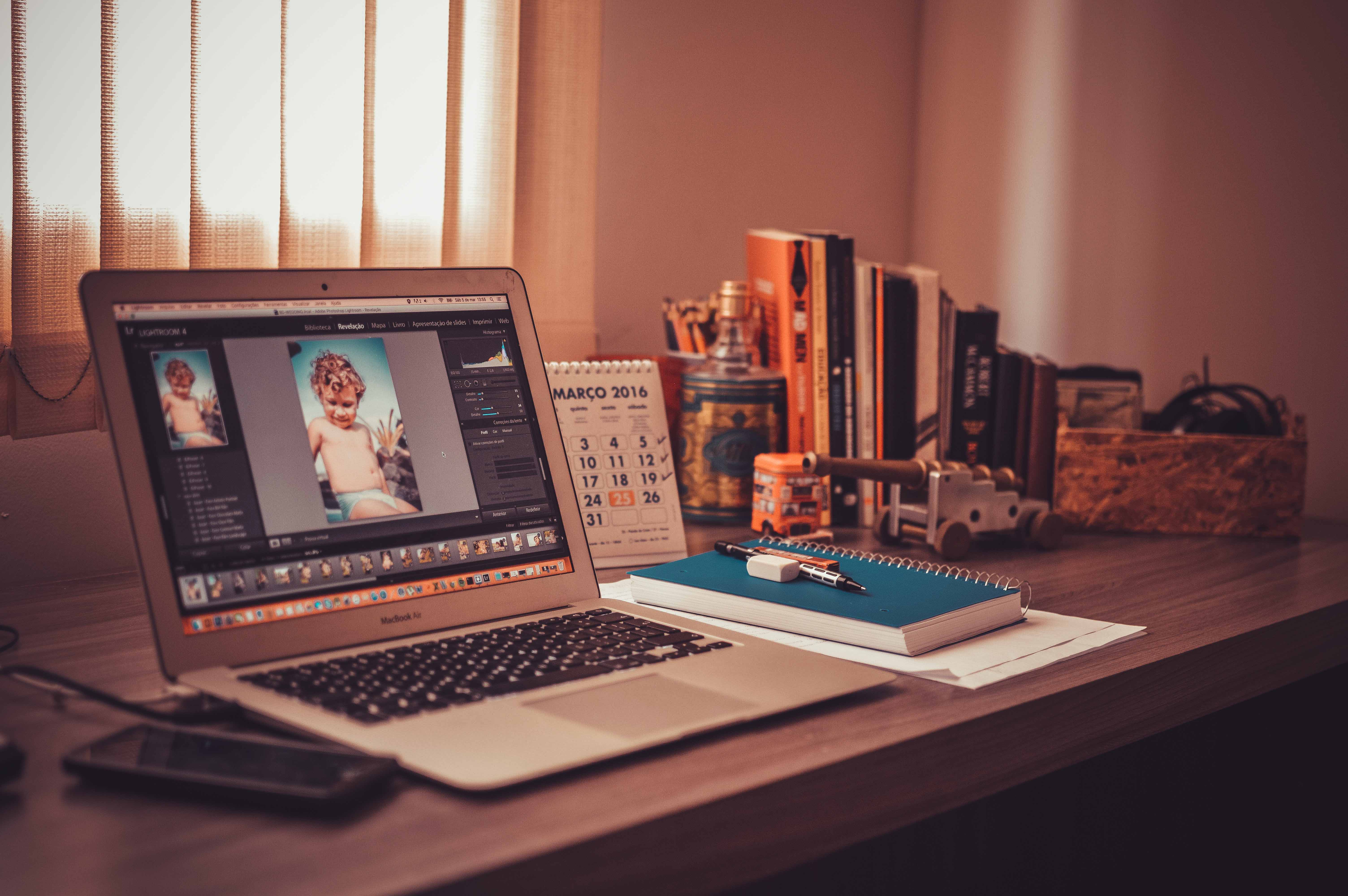
Get started on your edit
So you’ve taken your photo, downloaded your software and you’re ready to get started – now what?
- First you need to set your image size to match the size of the canvas you’re going to print to.
- Then make sure you set your resolution to a number which suits the project you’re working on (if you get stuck on this and you’re sending your image to us for printing, we’ll be happy to offer our advice).
- Next, it’s time to crop. Cropping a photo gives you the opportunity to frame your image in an impactful way by removing the unwanted edges of the original photo.
- Taken your shot a bit on the wonky side and need to straighten it up? Use the rotate tool to get everything in order (you can also rotate your image to achieve a more creative edit).

Brightness, colour and contrast
Now you’ve got your image laid out how you like it, it’s time to move on to these simple editorial tricks to get the most out of your photo:
- Altering the brightness of an image will make the overall image appear lighter or darker – our tip: make your image a bit brighter than you think it needs to be, as phone and computer screens tend to overcompensate.
- Set the contrast to control the range of light tones and dark tones in an image; increasing the contrast makes the dark tones darker and the light tones lighter, so play around with the slider until you’re happy with the effect.
- Play around with the colour sliders – photo-editing software has a variety of creative tools designed to help you make an impact using colour.
We hope you’ve learned some useful tips for editing photos and you’re feeling confident to get stuck in with the latest software – but if you’re feeling daunted by any part of the process, please get in touch with us and we can help you ensure that your canvas prints will make a lasting impact.

Tags Tips for editing photos, photo editing, photo editing for beginners