
Your words. Your colours.
Free online poster maker.
Turn your words into a text or quote poster. Choose a layout, change the fonts and colours, then download a free JPG or PNG. No sign-up or watermark.
Select words on the poster to move them. Use the corner to change the text width.
If saving didn’t start, tap Save file. On iPhone, check Safari’s downloads or Files, then share the picture to Photos.
Six ways to say it.
Same words. A different feel.From an idea to a download
How to make a poster online
This poster creator is for words: a favourite saying, a family name, a reminder above your desk or a joke that only makes sense to the two of you.
Choose a layout
Start with one of six layouts. Try a bold headline, a softer serif or a centred design. Pick A3, A4, square, portrait or landscape before you fine-tune the spacing.
Make the words your own
Replace the headline and add a note, name or date if you want one. Change the fonts and colours, then drag the words in the preview to position them. Undo is there if you change your mind.
Download the finished poster
By default, Download free saves a full-resolution JPG. Open Download options if you prefer PNG or a smaller file for sharing. There’s no account to create or checkout to complete.
Made with this editor
A few words can be enough
These are actual poster downloads from the tool above. Use the examples as a starting point, then write something that sounds like you.
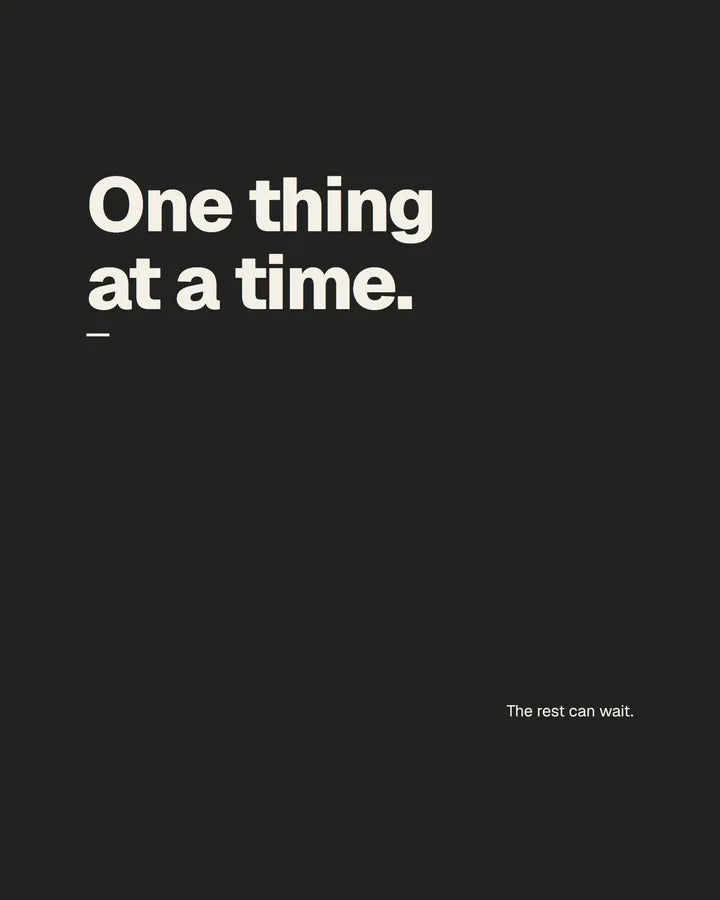
A quote poster for your desk
A short reminder with plenty of room around it. Try your own motto or a few words you’d like to see each day.
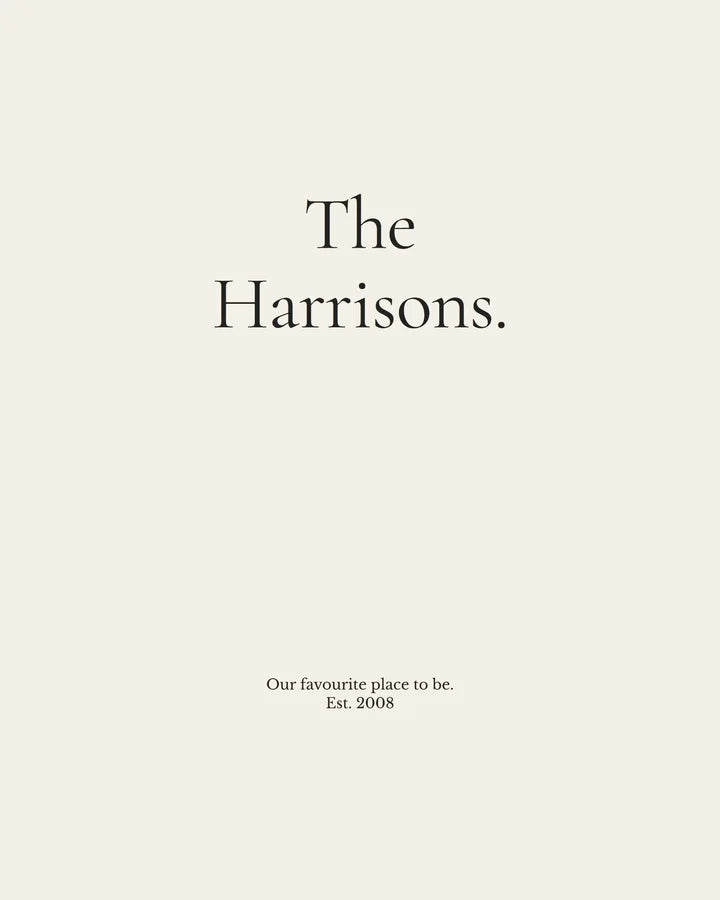
A name and a date worth keeping
A family name, a wedding date or the year you moved in. The Harrison design is an example; yours can be about your own home.
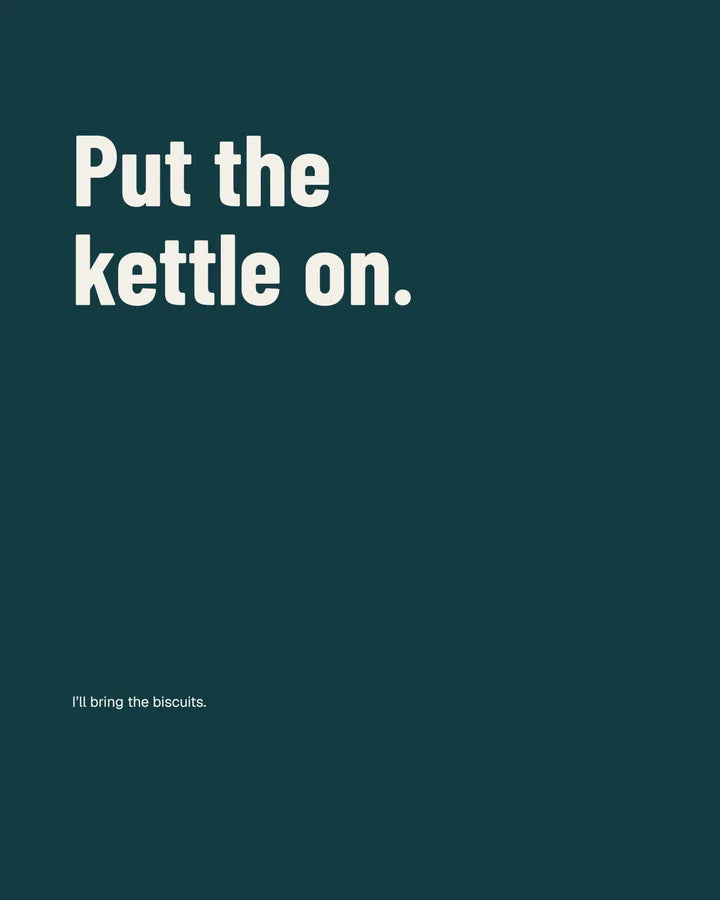
Something for the kitchen
The things you say at home often make the best wall art. A familiar phrase doesn’t need much explaining.
Save it, share it or print it
Your download, at the right size
Full-resolution A3 and A4 files contain enough pixels for 300 pixels per inch at those sizes. The sharing option makes a smaller copy, with its longest edge at 1,600 pixels.
JPG is a useful choice for sharing and ordering a print. PNG preserves crisp text without JPG compression and is usually a larger file. Both have the solid background you see in the preview; neither includes a watermark.
| Shape | Pixels |
|---|---|
| A3 portrait | 3508 × 4961 |
| A4 portrait | 2480 × 3508 |
| 4:5 portrait | 3000 × 3750 |
| Square | 3000 × 3000 |
| Landscape | 3750 × 3000 |
A few useful answers
Is the poster maker completely free?
Yes. The layouts, editing controls and JPG and PNG downloads are free to use. There’s no payment, subscription, sign-up or watermark, and you don’t need to order a print.
Can I make a text or quote poster?
Yes. Write a headline, then add an optional note and a small label for a name, date or attribution. Choose from six font families and adjust the size, spacing, alignment and colours. Your text stays editable in the tool; the downloaded file is a finished image.
Can I add a photograph, logo or illustration?
This editor makes typography posters using text and a solid background. It doesn’t import photographs, logos or illustrations. For editing a photograph, use our free photo editor.
Open the free photo editorHow do I save a poster on my iPhone?
Tap Download free in Safari. Open the saved file from Safari’s downloads or the Downloads folder in Files. To put it in Photos, open the image and use Share, then Save Image. If the download doesn’t start, tap Save file beneath the preview.
Will my design be saved?
Your draft is saved in this browser on this device when browser storage is available. It isn’t uploaded to us or synced between devices. Clearing browser data can remove it, so download a finished copy you want to keep. You can remove the local draft with Clear saved draft.
Can I download a PDF or a transparent PNG?
The available formats are JPG and PNG with a solid background. PDF and transparent-background downloads aren’t available.
Can I print my poster at home?
Yes. Download at full resolution and choose the matching paper size in your print settings. Check the print preview and margins before printing. You can also keep the file for a local printer or order a print from us whenever you’re ready.