

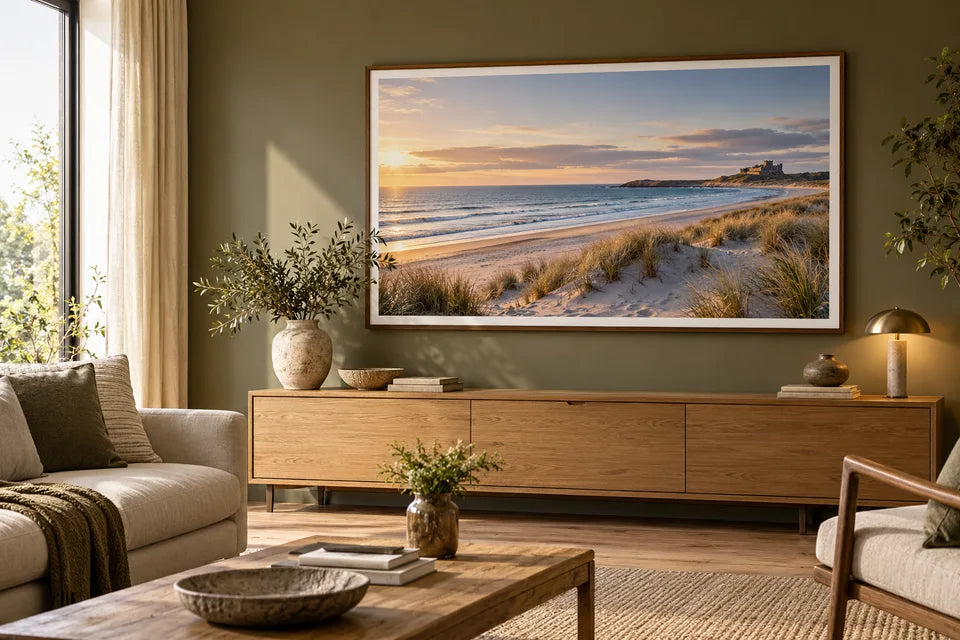
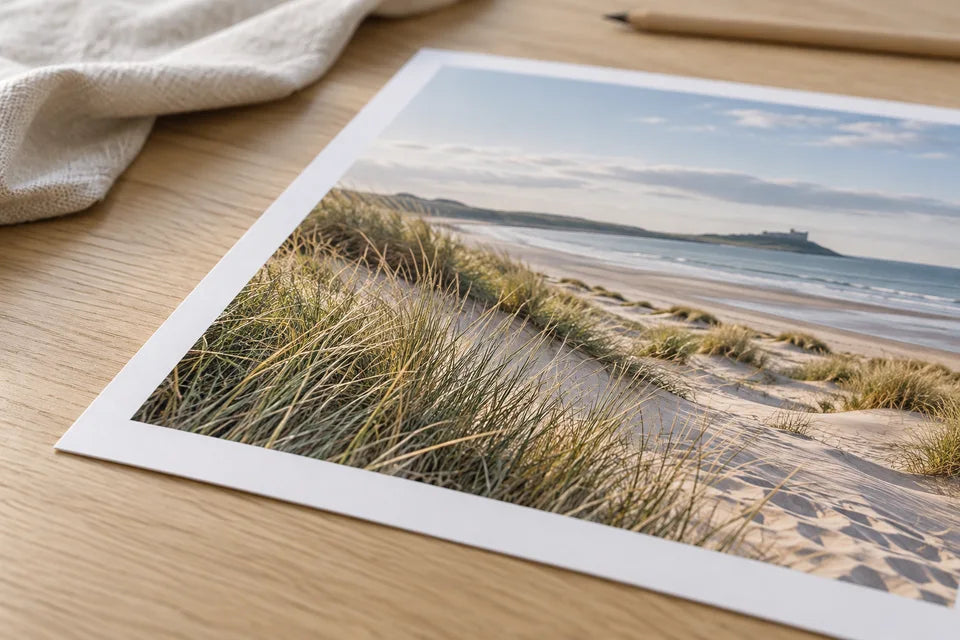
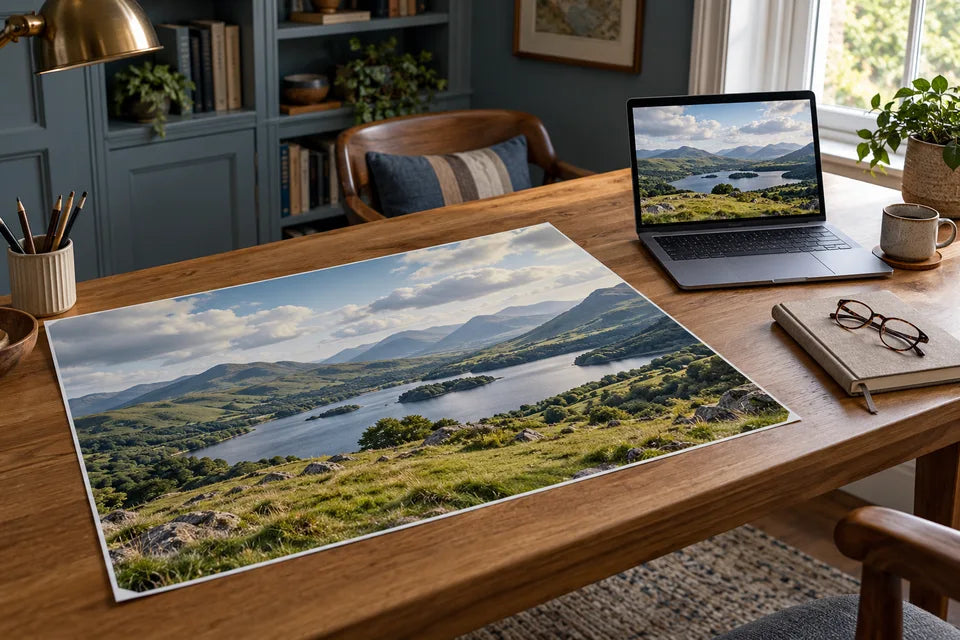
The illustrations in this guide are imagined styling examples, not photographs of customer orders or tests of print quality.
A clear photograph can make an excellent A1 or A0 poster, but judge the actual file at the chosen size. Check the pixels left after cropping, the important detail and where the print will be viewed. A small file may still have a useful option, including careful improvement; neither its MB figure nor a DPI label settles the decision.
A large poster gives a picture room to be seen. It also makes an unnoticed crop, soft face or small export more obvious. A few checks before ordering are more useful than automatically choosing the largest size.
How big are A1 and A0 posters?
A1 measures 59.4 × 84.1cm. A0 measures 84.1 × 118.9cm. Turn the dimensions around for landscape. Moving from A1 to A0 approximately doubles the paper area; it does not double both sides.
Try a paper template on the intended wall. Look at it from your usual seat or standing position, and allow for the outside dimensions of a frame. YI2C photo posters are supplied unframed on smooth, pure-white 230gsm matte paper. A frame shown in a room illustration is a display idea.
Start with the best original, then look closely
Find the image from the original phone, camera or design download. A screenshot or forwarded messaging copy may contain less detail. If it is the only version left, keep it and ask for an assessment instead of writing it off.
Inspect the part people will notice: eyes in a portrait, fur in a pet photo, lettering in artwork or branches against a pale sky. A large pixel count can still describe a blurred photograph. Compare close detail with the complete image; magnifying a file on screen is a useful inspection, not an exact physical print proof.
Use pixel density as a guide, not a rejection stamp
To calculate PPI, divide the image width in pixels by its printed width in inches, and check the height too. Use the image after the final crop. These reference figures are rounded up:
| Full-sheet image | At 150 PPI | At 200 PPI |
|---|---|---|
| A1, portrait | 3508 × 4967 pixels | 4678 × 6623 pixels |
| A0, portrait | 4967 × 7022 pixels | 6623 × 9363 pixels |
Those numbers describe density, not guaranteed quality or a universal minimum. Fine lettering examined closely needs a different assessment from a soft landscape seen across a room. An image below a reference figure may still be worth printing; a file above it may still be out of focus.
Changing a stored “72 DPI” label to “300 DPI” without changing the pixels does not create new detail. Our print-size guide and calculator explain the calculation in more detail.
Check the shape before committing to a frame
An A-series sheet is a different shape from many camera photographs. Filling it edge to edge may trim part of the image. Move the crop deliberately, especially if someone is near an edge.
You can sometimes keep the whole photograph by choosing a matching custom shape or a layout with borders. The custom-poster preparation guide covers those options. Keep the sheet size separate from the image inside it and from the frame’s visible opening.
Can editing or upscaling help?
It can help suitable files, particularly when there is a clear but small source. Keep the original and compare any enlarged version for changes to eyes, teeth, hair, fur and text. Smoother edges or more pixels do not prove that reconstructed details are accurate.
A different crop, a more modest size or another original may be the better route. At YI2C, a person prepares the artwork for print. Send the image and intended dimensions for advice if you are unsure; explain which details must be preserved.
Before you order the large poster
- Keep the original file and identify the version you want printed.
- Check the final crop, border and smallest important detail.
- Measure the paper size your frame accepts, plus any mount opening.
- Review the exact size and price in the creator. Check unusual dimensions or a critical deadline with the team.
Explore photo poster printing or check the current poster prices. If you are starting with downloaded artwork, use our digital-download guide to choose the right source file first.
Quick answers
Does A0 need a professional camera photograph?
No. Assess the actual image, crop and display size. A good phone file can be useful; an expensive camera does not guarantee focus or composition.
Should I sharpen the photograph heavily?
No. Strong sharpening can introduce harsh outlines and unnatural texture. Keep a clean original and assess any preparation at the intended output size.
Will the online preview prove the poster is sharp?
The preview helps you judge composition. It may be reduced for display and is not an exact proof of final sharpness or colour. Ask about the actual source if the preview and original look different.
