

The illustrations in this guide are imagined styling examples, not photographs of customer orders or tests of print quality.
Use the full downloaded artwork file that matches your intended poster’s shape. Extract a ZIP first, choose the right ratio or A-series version, and inspect the actual file. A shop preview or screenshot is not a substitute for the printable download.
Digital artwork often arrives as a folder of JPEGs, PNGs or PDFs with names such as 2×3, 3×4, 4×5 and A-series. Those labels usually describe different proportions, not a quality ranking. The biggest-looking filename is not necessarily the right one for your frame.
Download the actual files
Use the seller’s delivery link or purchase account. For Etsy purchases, its current help directs buyers to the Purchases area on the website; digital downloads are not currently available through its app. If you received a ZIP, extract it to see the files inside. Contact the seller if the intended print file is missing or unclear.
Keep the seller’s instructions and make sure the intended reproduction is permitted. A framed room picture on a listing is an illustration of the artwork, not the original image file to upload.
Match the file’s shape to your paper
| File label | Examples of matching proportions | Useful check |
|---|---|---|
| 2:3 | 20 × 30cm; 30 × 45cm; 40 × 60cm | The longer side is 1.5 times the shorter. |
| 3:4 | 30 × 40cm; 12 × 16 inches | The longer side is about 1.333 times the shorter. |
| 4:5 | 20 × 25cm; 40 × 50cm | The longer side is 1.25 times the shorter. |
| A-series | A4, A3, A2, A1 or A0 | Use the supplied A-series artwork; the standard dimensions involve rounding. |
These are shape examples, not a promise that every named size is a preset. Check the supported standard or custom dimensions in the creator. A3 and 30 × 40cm are different shapes, so choosing a 3:4 file for an A3 print can introduce a crop or border.
Decide whether a border belongs in the file
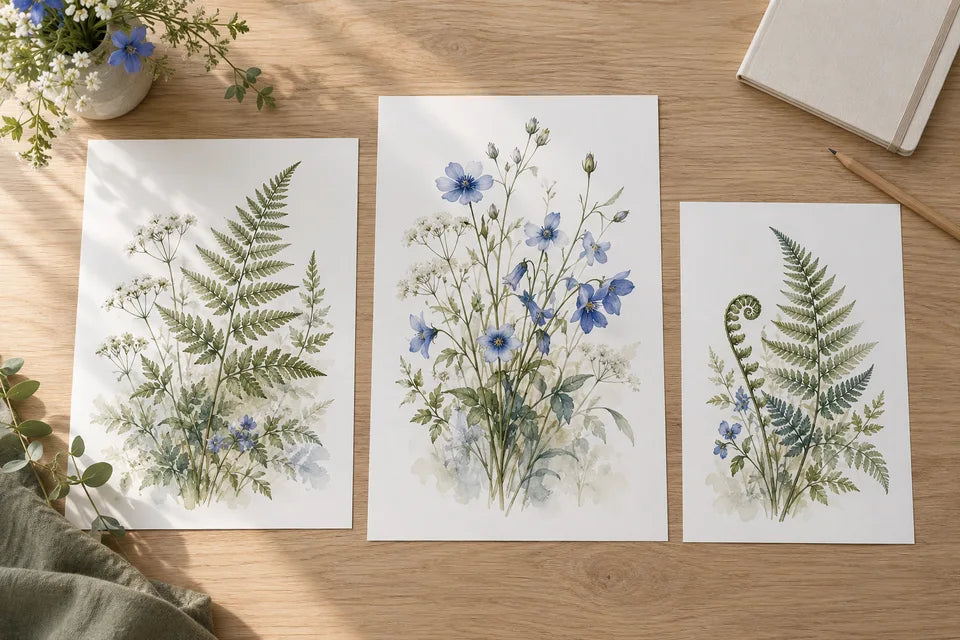
Some downloads include a white margin; others are edge to edge. The paper size includes any border. If you want a 30 × 40cm sheet, do not order the dimensions of the image alone and expect the margin to be added outside them.
A separate picture mount is a different object and can cover some of the poster edge. Our border-versus-mount guide explains the difference; the frame-measurement guide helps you confirm the sheet and opening.
What if the artwork is a PDF?
Keep the PDF and ask us about it if you are unsure. A PDF can contain vector lettering, photographs or both; the extension does not guarantee that every picture inside is high resolution. Exporting a tiny image inside a PDF cannot restore the missing information.
YI2C’s standard photo uploader lists JPEG and PNG. If converting a PDF, preserve the complete page at a suitable pixel size, including the intended border and lettering. Extracting an embedded photograph alone can omit the rest of the design. Avoid using a screenshot of the page.
For artwork made in Canva or another editor, download the finished design rather than its preview. Check the available format, dimensions and quality settings in that tool. Do not add generic crop marks or bleed allowances unless the studio has requested them for your particular job.
Open the final file before uploading it
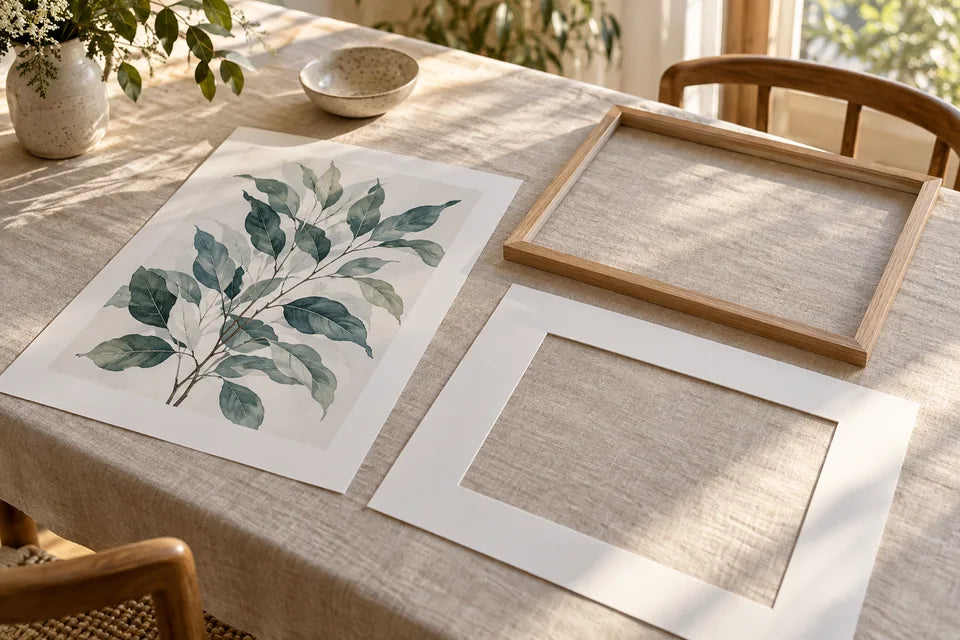
Check the picture outside the app or purchase page. Look at fine lines, text, gradients and the exact crop. Read every name, date and quotation. A file can be technically large and still contain an error.
If several files share the same ratio, compare their actual pixel dimensions and the seller’s intended print sizes. Keep the best appropriate source. Converting a compressed JPEG to PNG makes a different file; it does not recover detail already lost.
Turn the file into a finished poster
YI2C prints posters on smooth, pure-white 230gsm matte paper, supplied unframed. Choose your sheet size and review the crop and price. Use the standard poster printing route, or send the file and intended size for advice before ordering if something is uncertain.
For a set, use the same border and display plan across the designs. Our guide to three matching posters helps you make that decision without forcing every image into the same crop.
Quick answers
Can I upload the ZIP folder?
Extract it and choose the actual artwork file. An archive can contain several alternatives and instructions; the studio needs to know which image and size you intend.
Does “300 DPI” in the filename prove it is good enough?
No. Check the actual pixels, design and intended dimensions. A label cannot prove focus, detail or a correct crop.
Can you help if I cannot tell which version is right?
Yes. Send the available file information, intended sheet size and frame details. Keep the original download folder so another version is available if needed.
Further help: Etsy’s download instructions and Canva’s download guide.
