

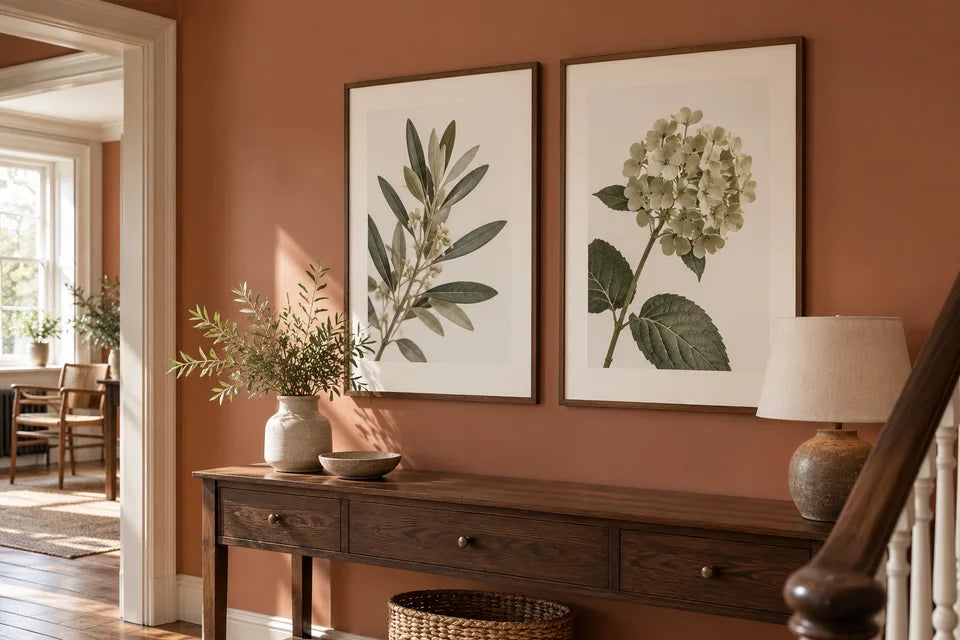
The illustrations in this guide are imagined styling examples, not photographs of customer orders or tests of print quality.
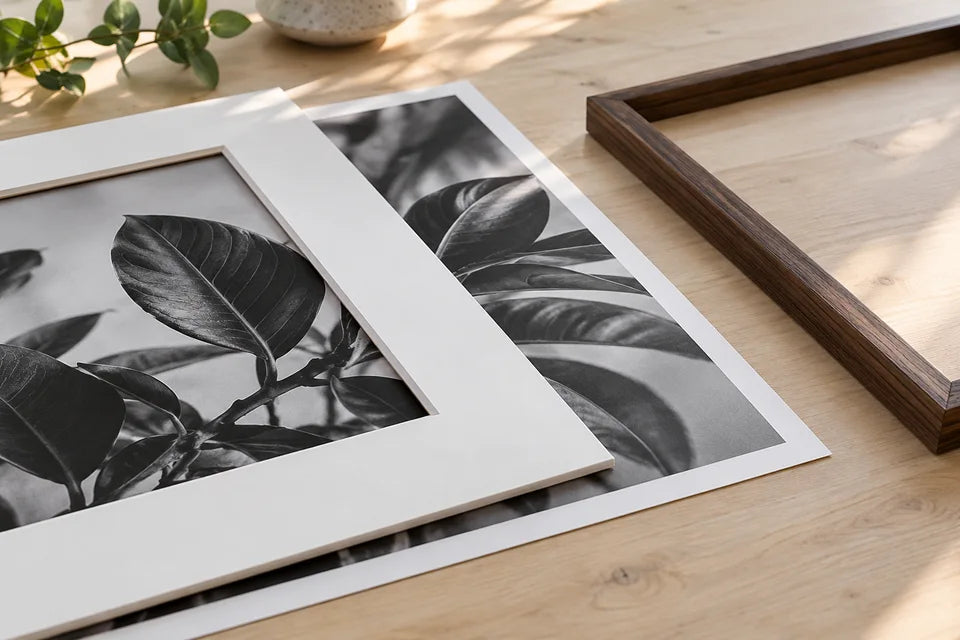
A white poster border and a picture mount are different things. A border is space inside the poster’s sheet; a mount is a separate board placed around the image in a frame. Either can give the picture breathing space, but they affect the required measurements differently.
Three measurements to keep separate
- Sheet size: the complete piece of paper you are ordering.
- Image area: the picture inside that sheet, excluding any border.
- Visible opening: the area shown by the frame or mount, which may cover some paper around the edge.
YI2C photo posters are supplied unframed on pure-white 230gsm matte paper. A white border does not include a separate mount or frame.
What a border does to the image area
A 30 × 40cm sheet with a 2cm border on all four sides leaves a 26 × 36cm image area. You subtract the border twice from each dimension because there are two opposing edges.
That inner rectangle must still suit the photograph. If a 2:3 portrait photo is fitted whole at 36cm high, its width is 24cm. Centred on the 30 × 40cm sheet, it would leave 3cm at each side and 2cm at the top and bottom. Equal borders and keeping the complete photo are not always the same layout.
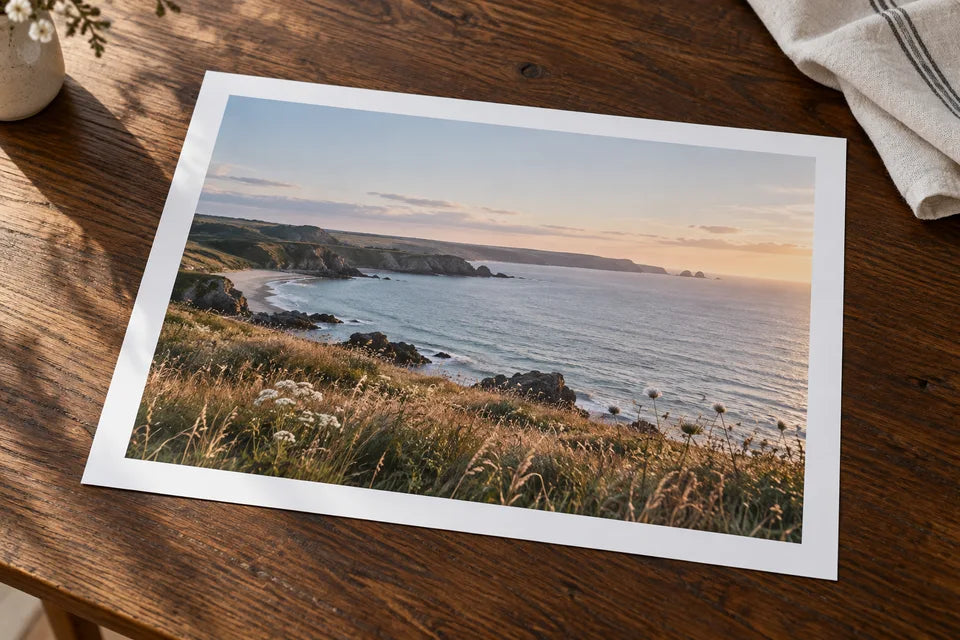
Choose deliberately: crop to an evenly bordered inner shape, accept unequal margins, or change the sheet or border dimensions. Do not stretch the photograph to force a match. The custom-poster guide develops the crop calculation.
What a physical mount changes
A mount sits over the print and has an opening through which you see the image. The opening can be smaller than the print beneath it. For example, a frame may accept a 40 × 50cm insert while its mount displays a smaller picture; you need the actual measurements for that particular frame and mount.
Keep signatures, names and other important features away from the area that will be covered. Ask the frame supplier about the required overlap when the fit matters. Our frame-measurement guide explains the order in which to measure.
Which appearance suits your poster?
A paper border keeps the layout within one sheet and can be useful for a quiet presentation. A separate mount gives the framed image another physical layer and changes the overall display. Edge-to-edge artwork is another option if you prefer the image to fill the paper.
Think about the photograph as well as the room. A delicate drawing, a monochrome portrait and a colourful abstract may need different amounts of surrounding space. For a collection, decide whether the borders or mounts should match before preparing each image.
What should you tell the printer?
Write down the full sheet size, intended border or mount opening, and which details must stay visible. Say clearly whether the border is already in your file or needs layout advice. A screenshot of a frame label can help explain the question, but send the original image file separately for printing.
Ask YI2C about the layout if you are unsure. We can consider the file and measurements together, helping you avoid a technically correct sheet with the wrong picture inside it.
Quick answers
Does ordering 30 × 40cm mean the picture itself will be 30 × 40cm?
Only when the image fills that complete sheet. If your design includes borders, the picture inside is smaller.
Can I use a border and a mount together?
Yes, but plan how much paper the mount will cover and which border should remain visible. Check the combined layout rather than adding both independently.
Should every poster in a set have the same border?
It can help the set feel related, but choose a layout that preserves each photograph. See planning three matching posters for the wider display.
