

Word Art
What should I write on my Word Art print?
By Your Image 2 Canvas
Start with the people, places and little habits that make someone recognisable. Names, a favourite seaside town, Sunday lunch or the dog who goes everywhere with them can mean more than a long quotation. Our Word Art creator gives those words a design to live in.
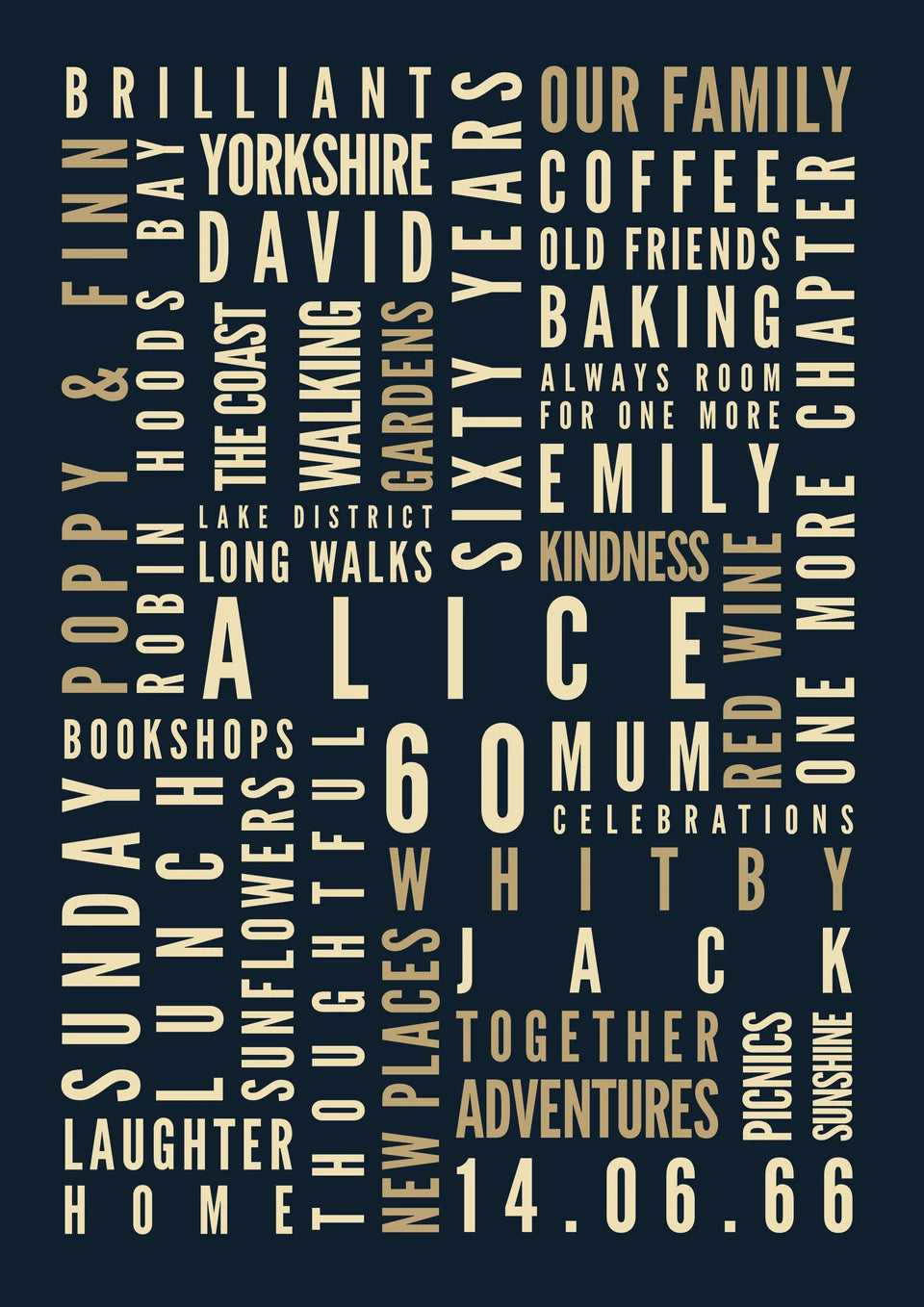
Write a rough list first. Then choose a layout that suits what you have, rather than trying to fill every space with something impressive.
Think in small, personal details
For our fictional Alice birthday example, we used family names, Whitby, bookshops, coffee and long walks. The name, age and date give it a clear centre; the smaller words make it hers.
Try a mixture of people, places, favourite things and a few familiar sayings. Keep a longer phrase for a position that gives it enough room. A simple “Sunday lunch” might be more personal than “making wonderful memories”.
In Your Words lets you change the main name, number, date and individual personal-wording positions. You can select featured wording on the artwork or edit its field.
Choose the shape around the words
For an anniversary or a life full of names and places, try The Celebration. Our Ruth and Michael example brings their fictional fifty years together around one main phrase.
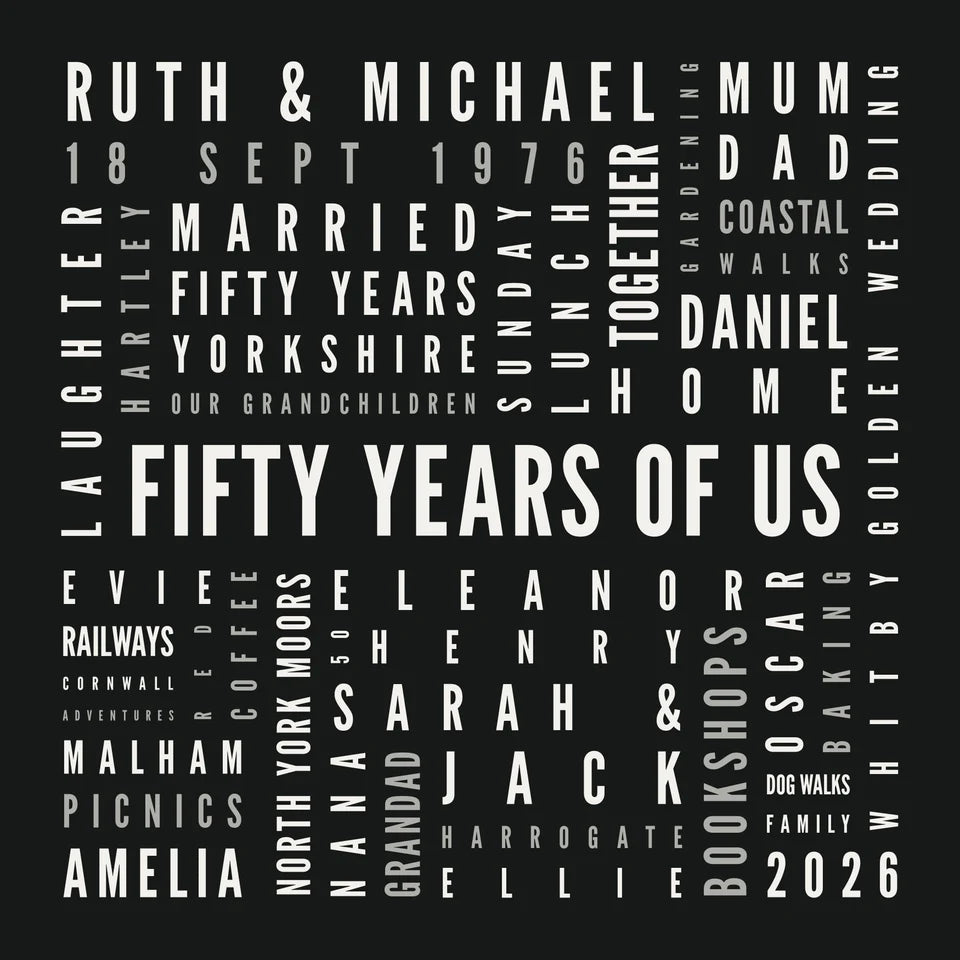
Try The Celebration in our creator
At the Heart gives names, a date and personal messages a heart-shaped setting. Its featured fields are editable; the smaller background words remain part of the design. The positions and controls depend on the template you choose.
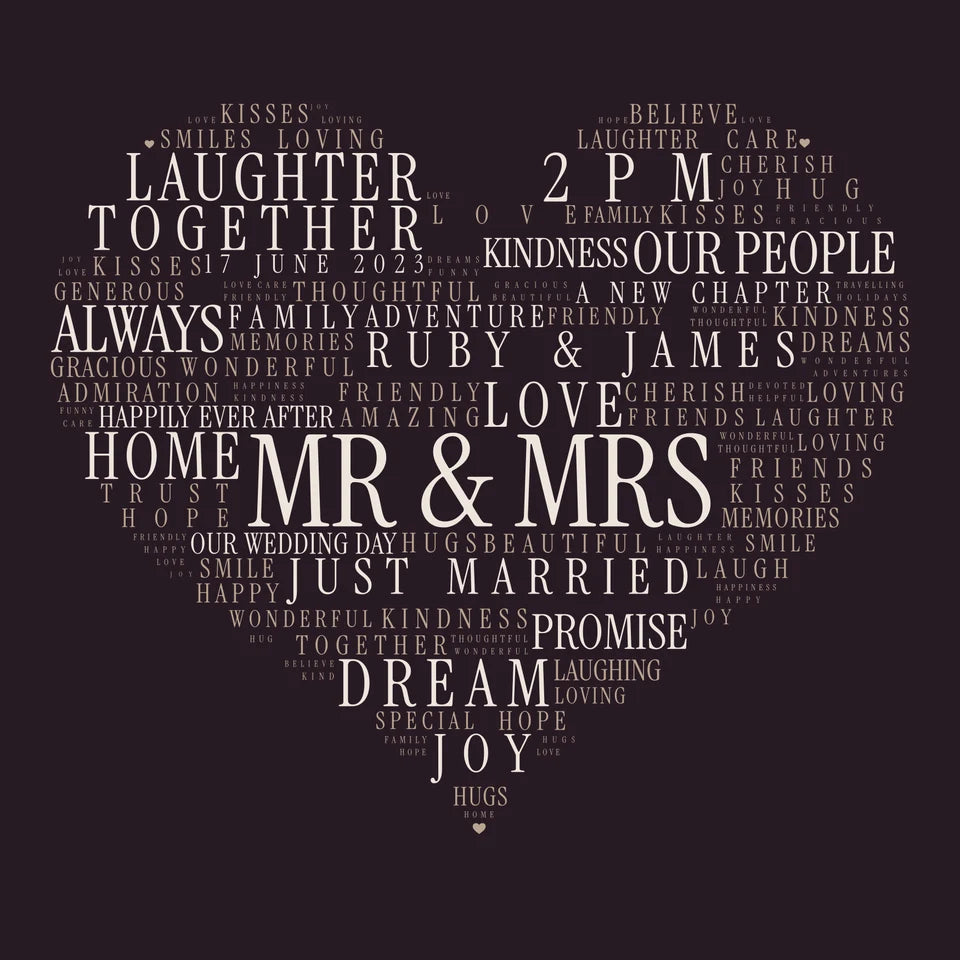
Try At the Heart in our creator
If you mainly have family names, Our Family connects them through shared letters. That can be a lovely choice without adding a list of sayings.
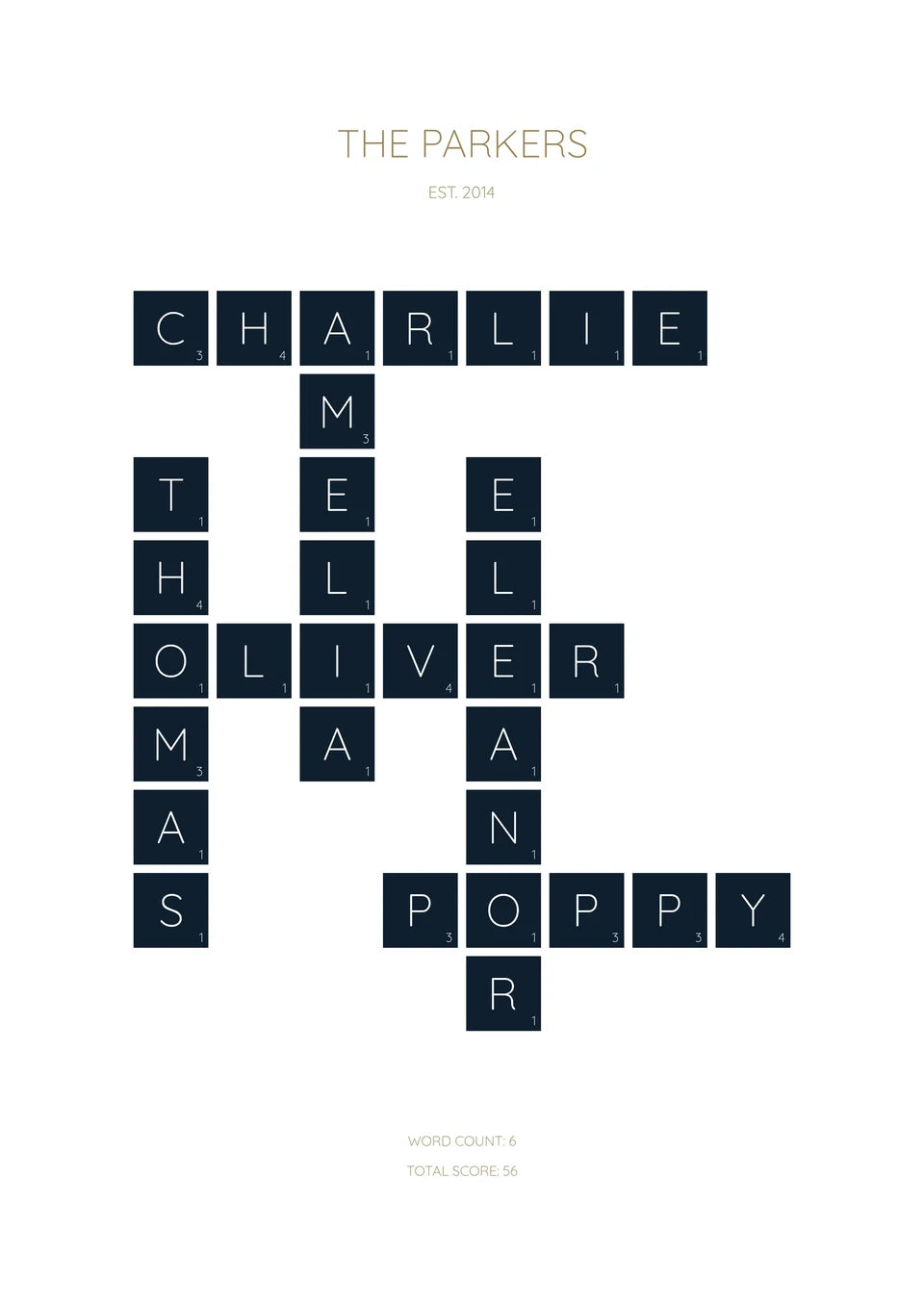
Try Our Family in our creator
Keep the words that matter
The design provides the composition; you personalise the available fields, palette and typography. Read the whole preview, check every name and look for a phrase that has become too small. Shortening one line can be better than squeezing in another detail.
Explore the Word Art designs and try your own words. Our creator guide explains the free JPG and optional canvas or poster choices.
Want a custom illustration or a layout outside those choices? Our AI Word Art guide takes that separate route. Create and check the flat artwork, then upload the finished file for printing.
From artwork to a finished canvas
These photographs from our Word Art page show real finished prints and their physical finish. They are existing workshop examples, separate from the fictional designs we made for this guide.
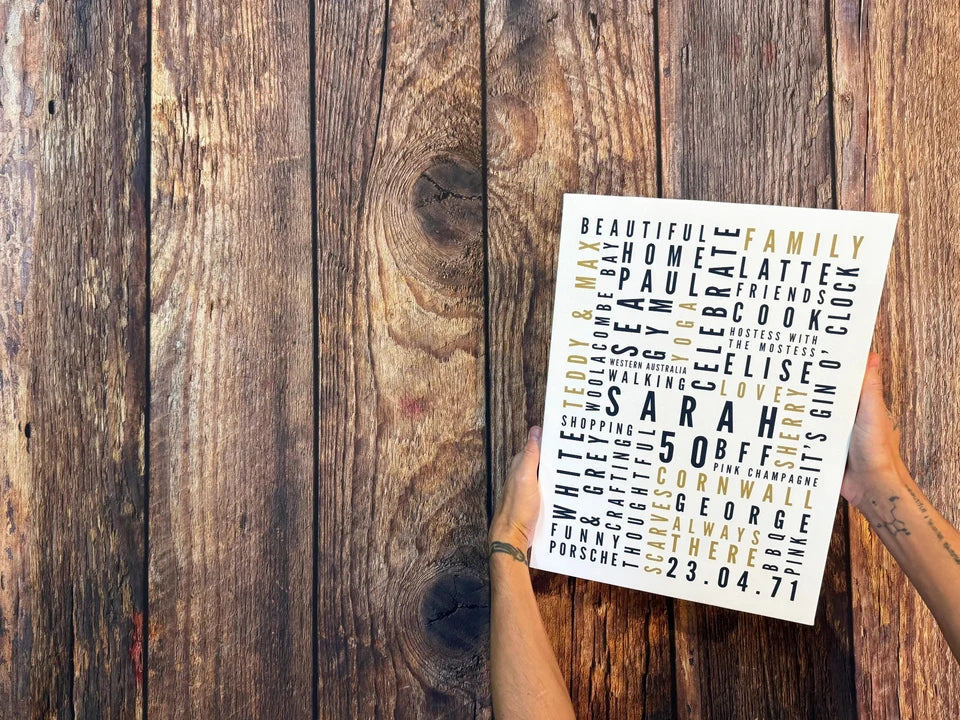
See the Word Art print options when you are ready to choose the format. Posters are supplied unframed; a floating frame is an optional canvas extra.
For more available app layouts, see our Word Art design guide. Custom AI alternatives are in the optional examples below.
Optional custom AI ideas—not available in our Word Art builder
These are separate custom designs. Use their prompts to make the flat artwork, check it, then upload the finished file through the normal print builder.
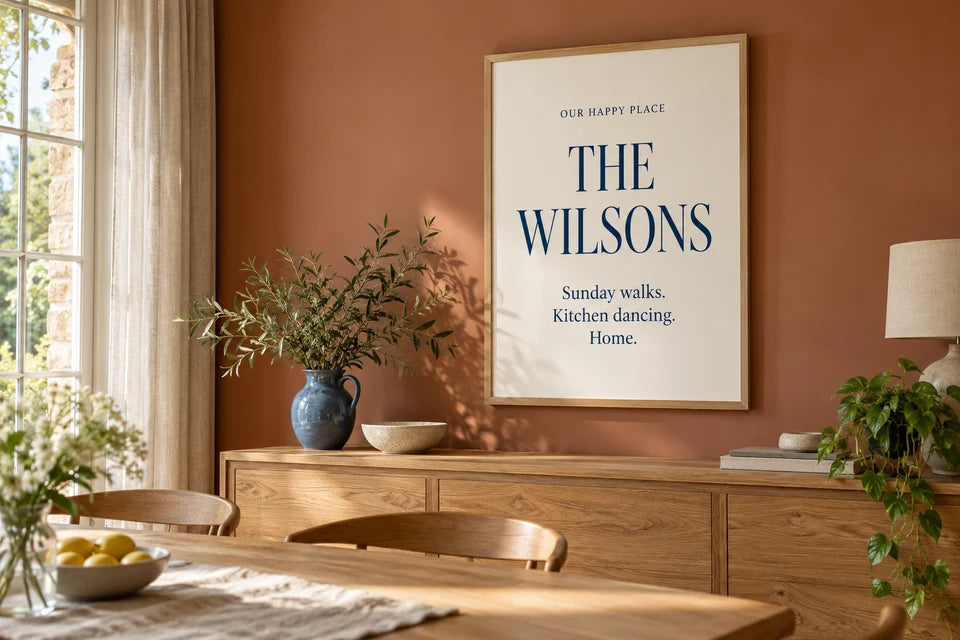
Custom AI design—not available in our Word Art builder.
Make a design like this in ChatGPT
Change the sample words, then paste the prompt into ChatGPT. It asks for the flat artwork, ready to check and upload for printing.
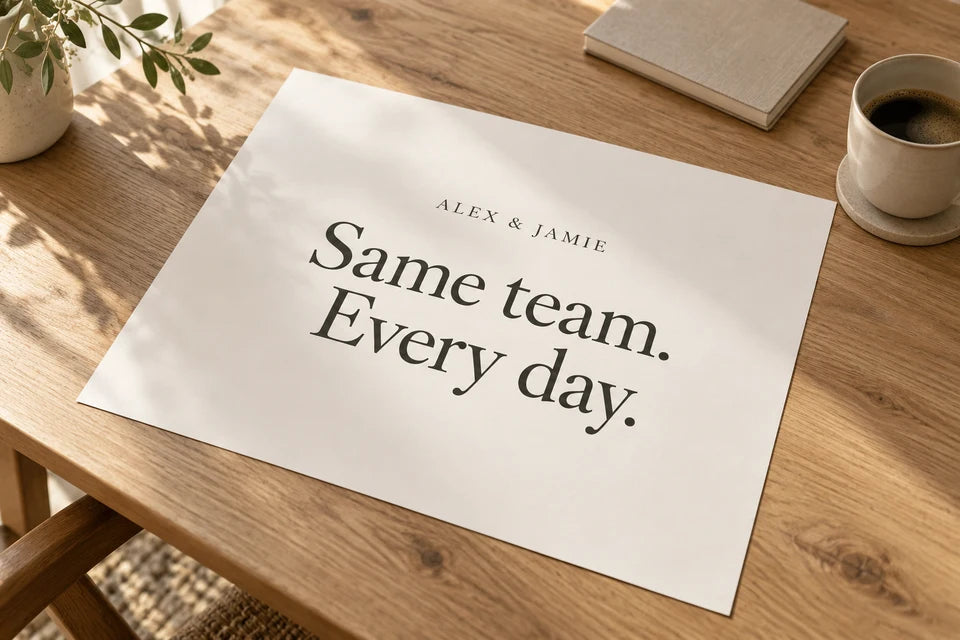
Custom AI design—not available in our Word Art builder.
Make a design like this in ChatGPT
Change the sample words, then paste the prompt into ChatGPT. It asks for the flat artwork, ready to check and upload for printing.
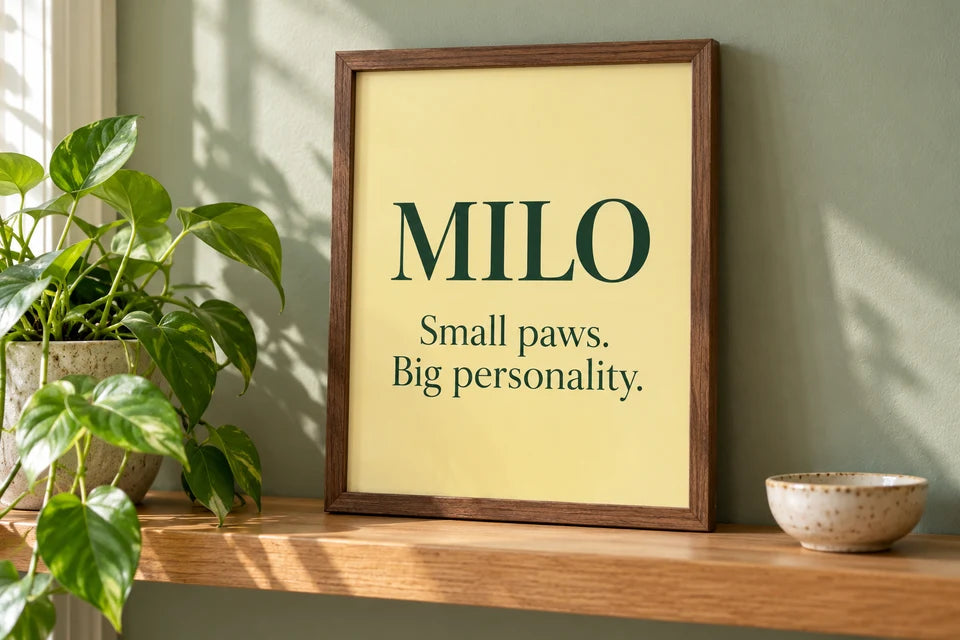
Custom AI design—not available in our Word Art builder.
Make a design like this in ChatGPT
Change the sample words, then paste the prompt into ChatGPT. It asks for the flat artwork, ready to check and upload for printing.
Found this guide useful?
Add Your Image 2 Canvas as a preferred source on Google.

3 for 2 · Mix and match
Canvas prints.
Quality you can see.
Printed and finished by our family team in West Yorkshire.
From £14.99, including free standard UK delivery.
Create your canvasMix qualifying physical Canvas and Poster prints. Cheapest qualifying base print free; upgrades and extras remain payable. Downloads excluded. Delivery exclusions apply.