

Word Art
Which Word Art design should I choose?
By Your Image 2 Canvas
Choose the design around the words you have: a collection of memories, connected family names, a poem or a short personal message. Our Word Art creator gives each of those a different composition. You personalise its fields, then try its available colours and typography.
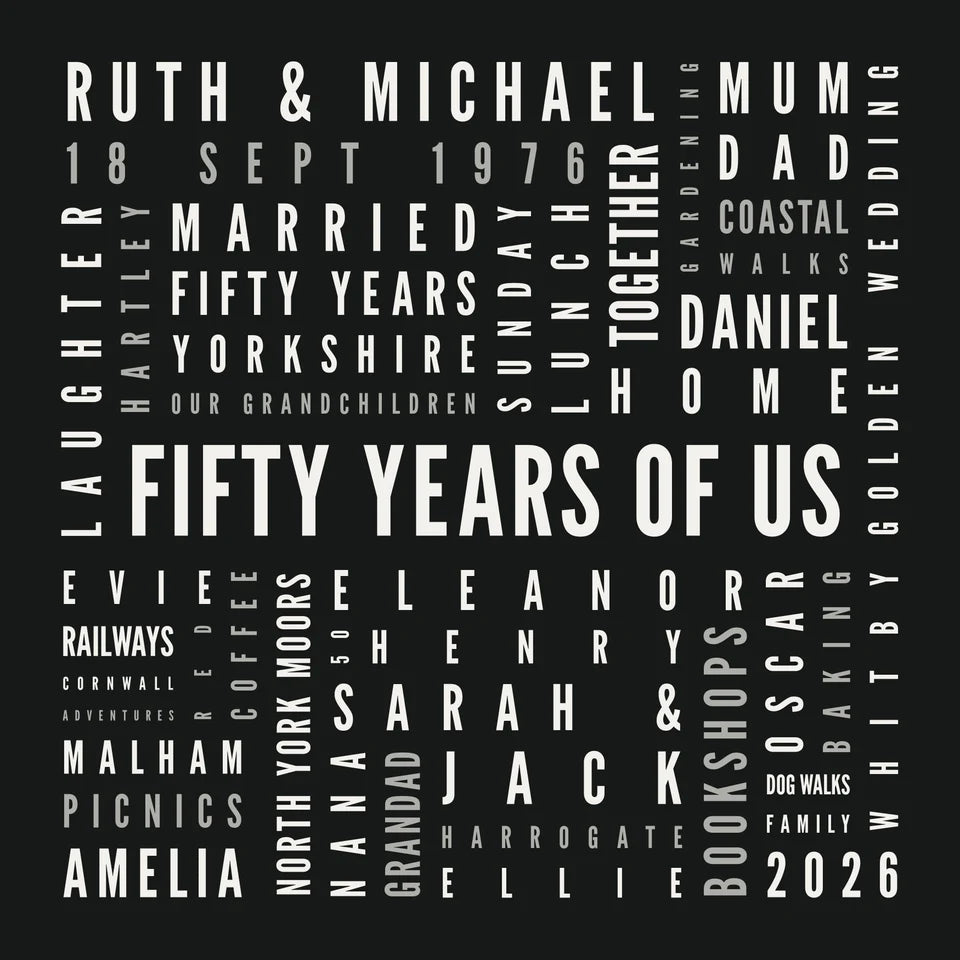
These six examples were made and downloaded through the app, using fictional names and original demonstration wording.
A milestone: The Celebration
For an anniversary or a life full of people and places, The Celebration gives one main phrase a square arrangement of personal details. Our Ruth and Michael example gathers names, favourite places and family memories around “Fifty years of us”. The centre phrase and individual wording positions are editable.
A person in words: In Your Words
In Your Words makes a lively portrait collection around a main name, number and date. Think birthday, retirement or someone with plenty of interests. Our Alice example includes family names, favourite places, coffee and long walks. You edit the personal-wording positions rather than moving letters around freely.
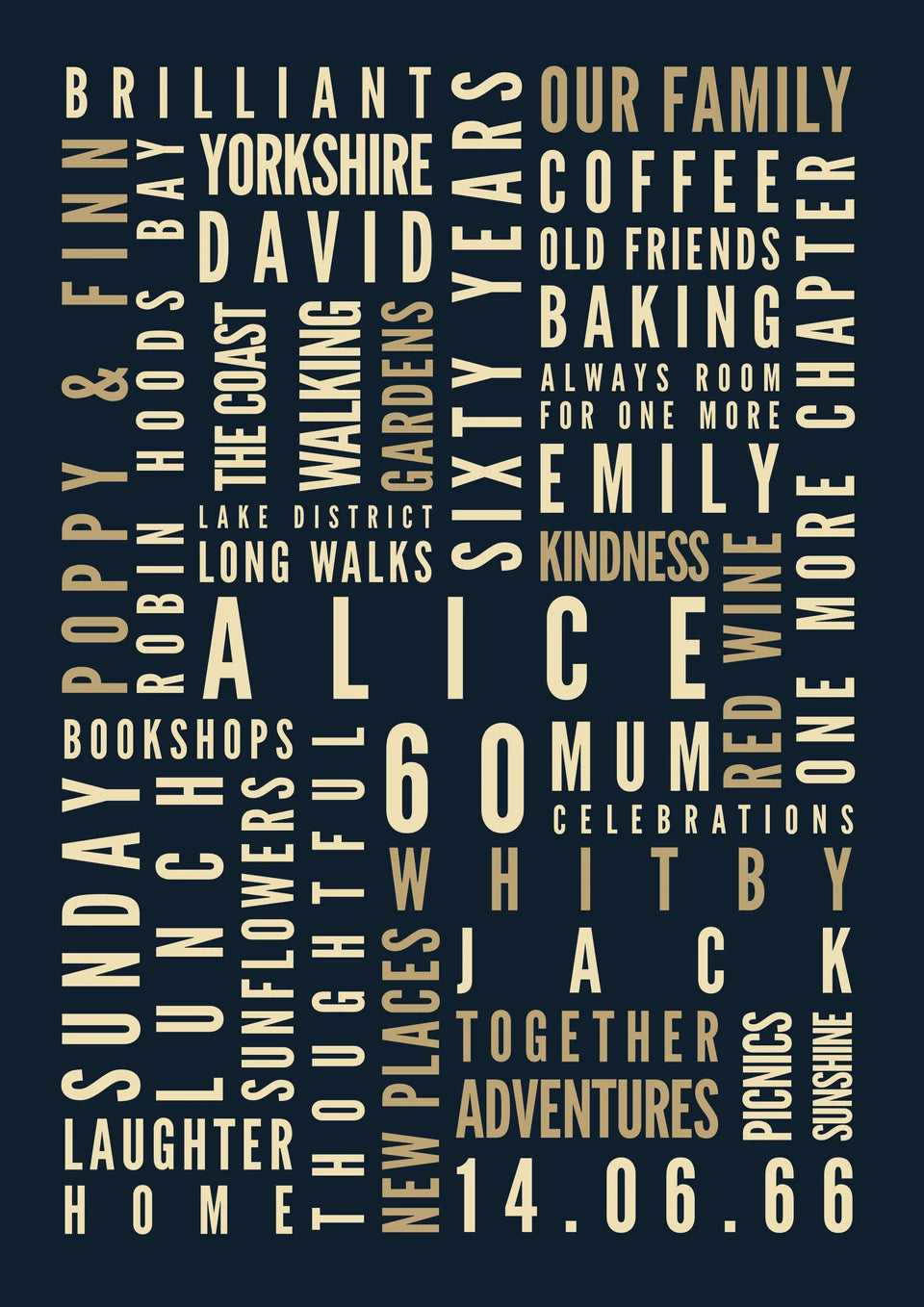
Try In Your Words in our creator
Names and a message: At the Heart
At the Heart brings featured names, a date and short messages into a heart shape. Our wedding example uses Ruby and James, their fictional date and personal phrases. The featured fields can be changed; smaller background words stay as part of the design.
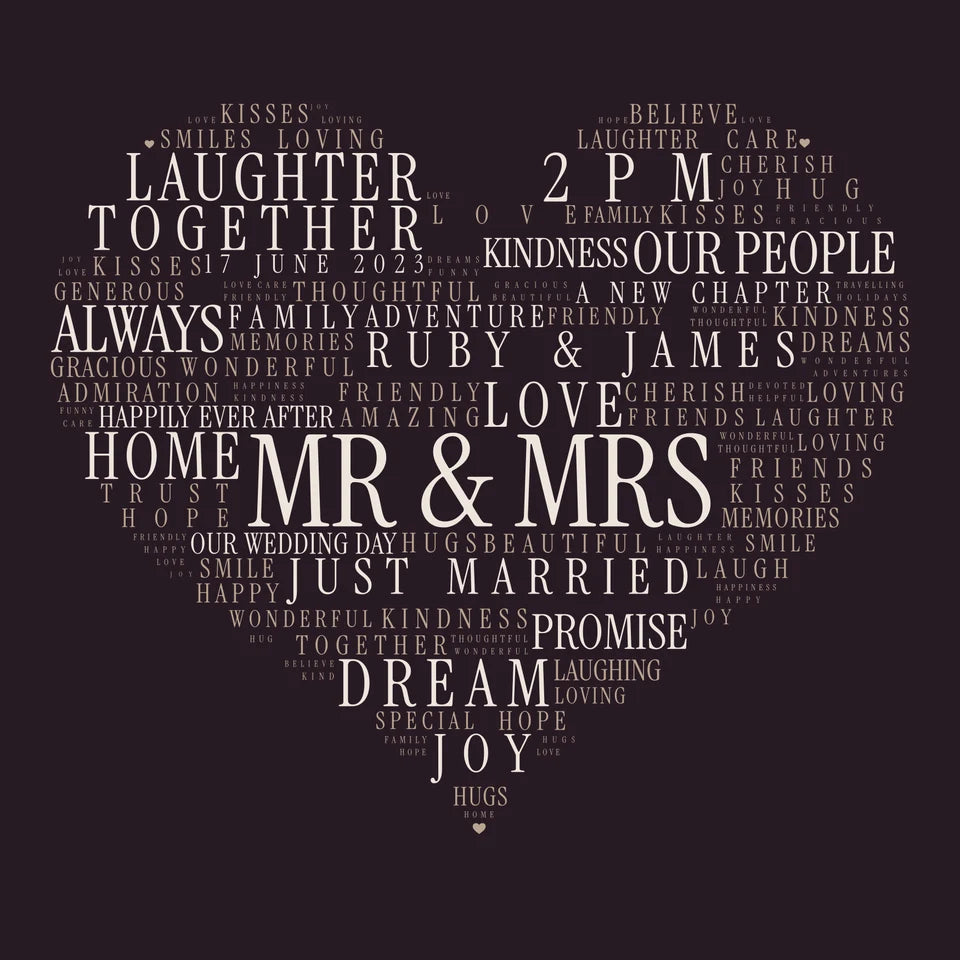
Try At the Heart in our creator
A family connected: Our Family
Our Family joins names through shared letters. It accepts 3–12 names, with 2–18 letters in each. Spaces, apostrophes and hyphens are omitted from the tiles, and the names need shared letters to connect. You can add a heading and optional date, and show or hide the word count and total score.
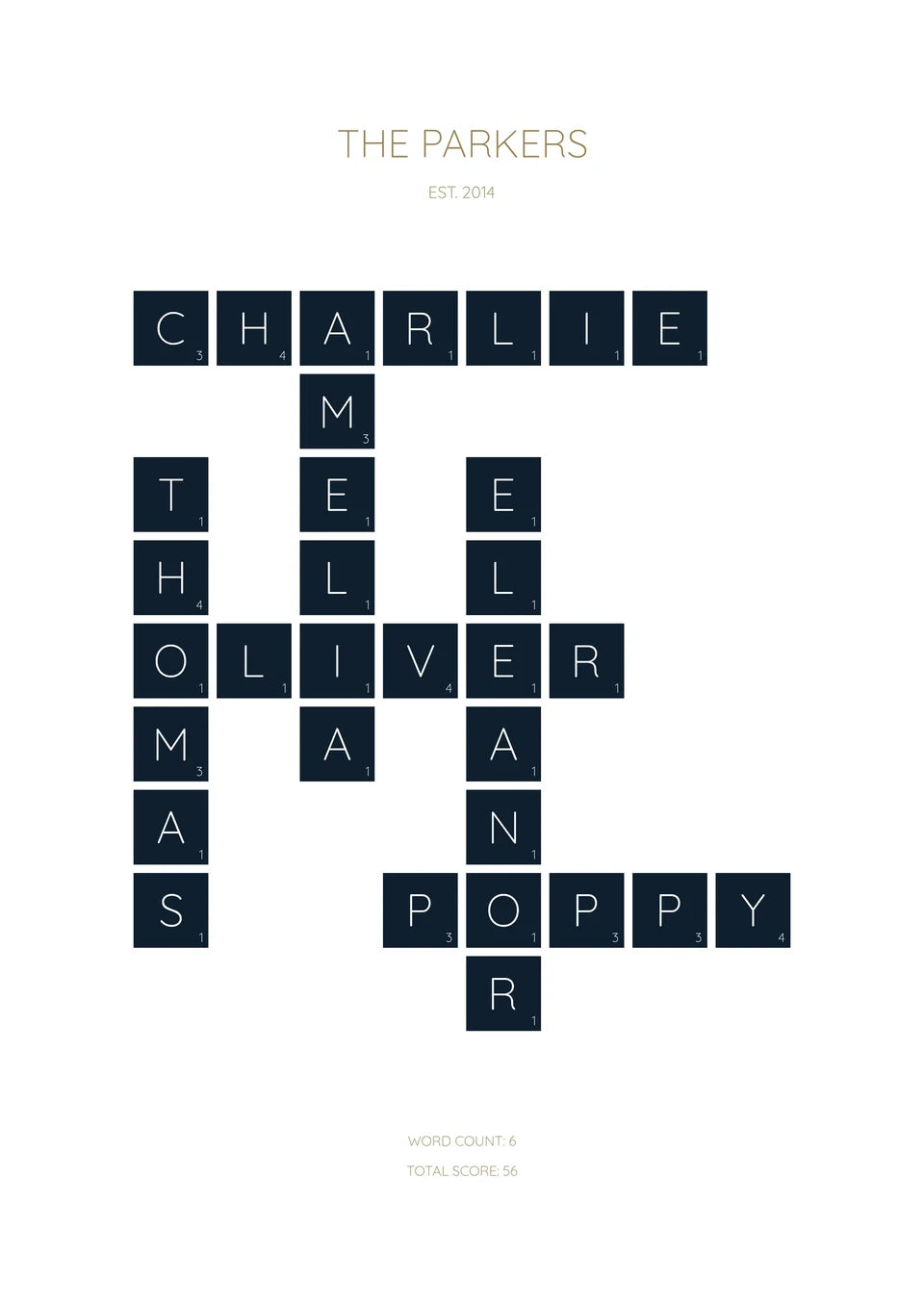
Try Our Family in our creator
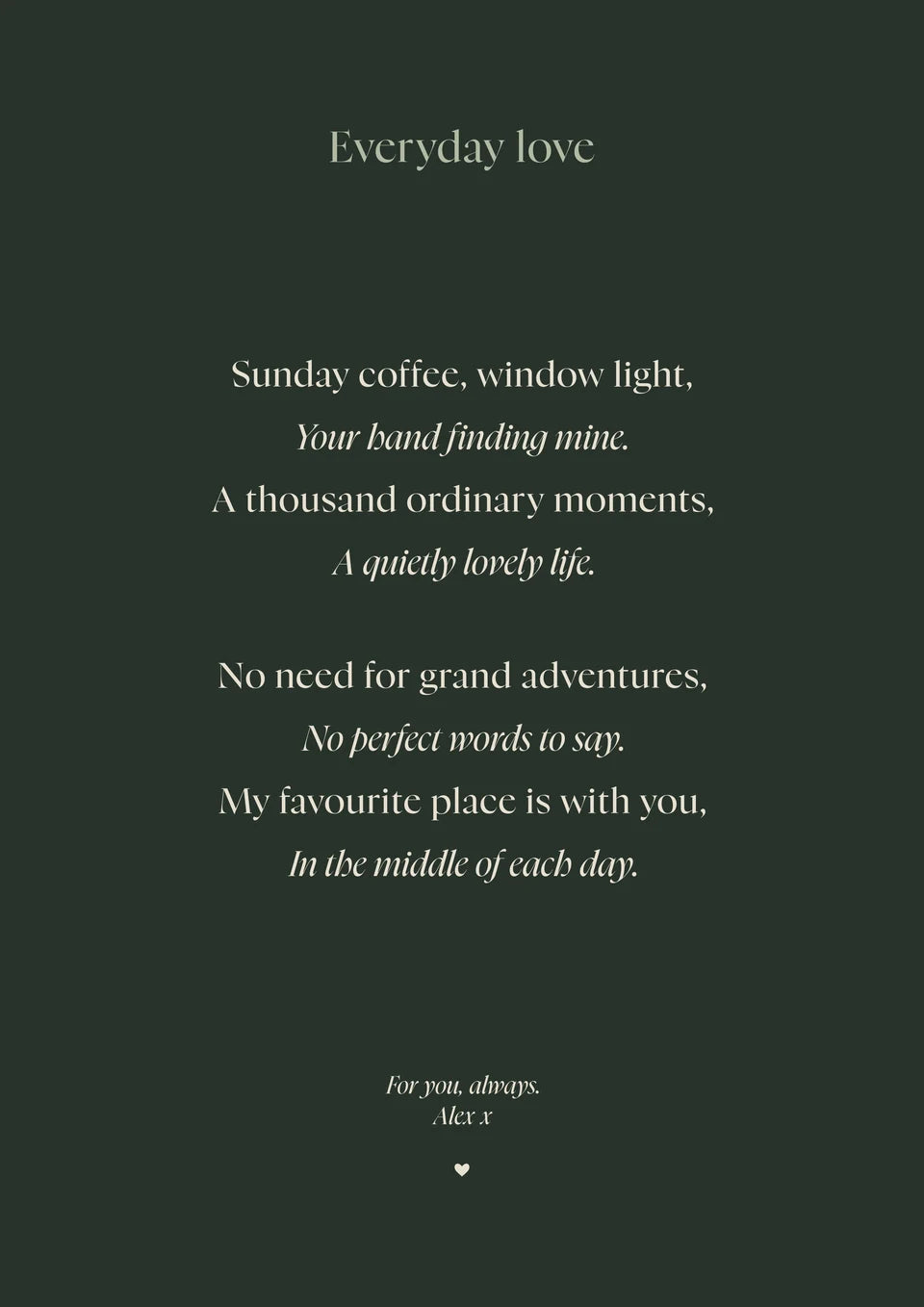
Your own verse: The Poem
The Poem has fields for a title, verse and sign-off. Your line breaks and blank lines between stanzas are kept. Longer lines become smaller, so check the whole poem and add a deliberate break where it helps. Our example uses an original two-verse poem in Forest with Nyght Serif.
Try The Poem in our creator
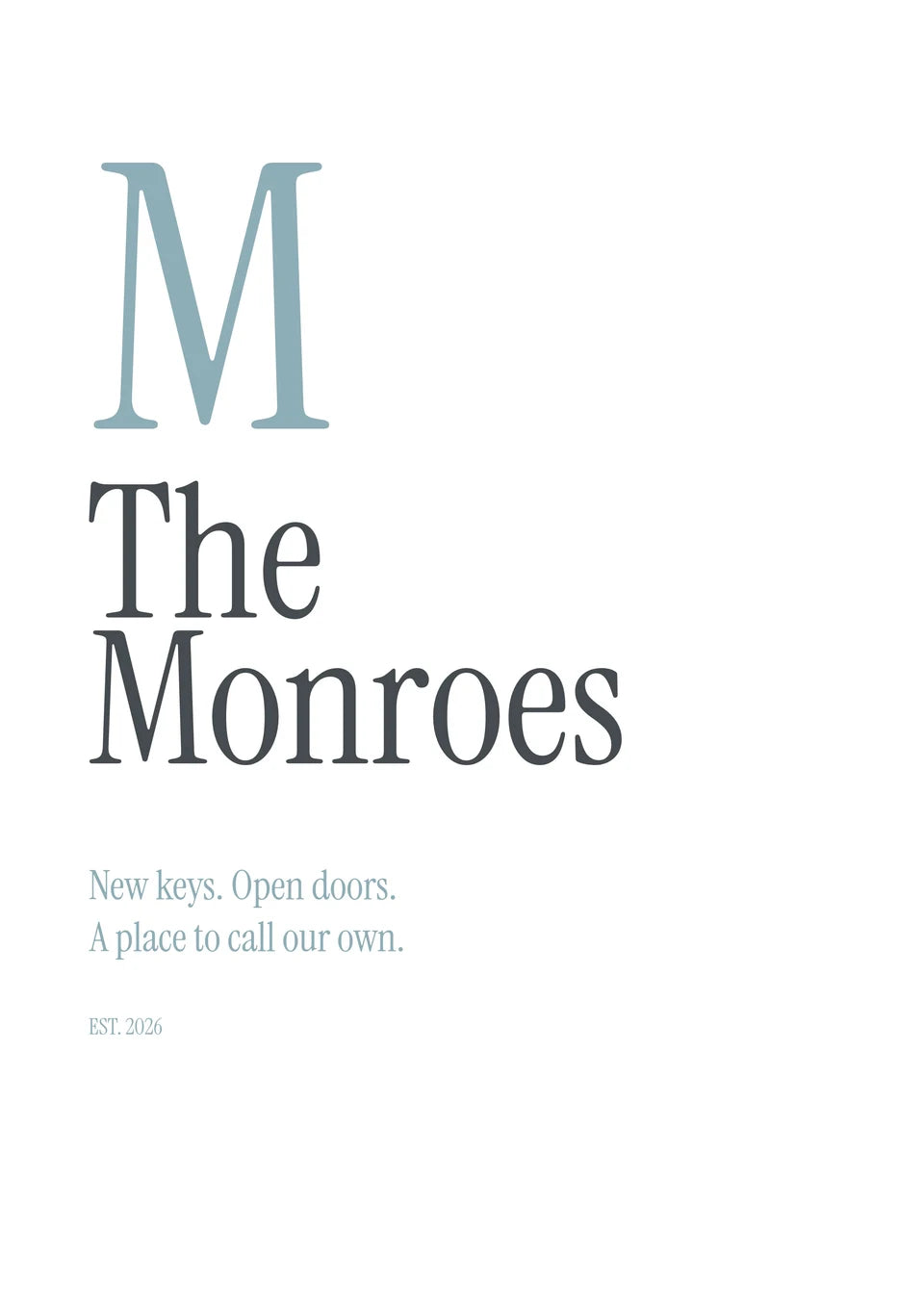
A few words with space: The Initial
The Initial is a large typographic letter with names, an optional supporting line and optional date. Our Monroes example is a simple new-home print. It suits a surname and a few meaningful words without needing a long list.
Try The Initial in our creator
Make it yours, then check it
Each template has its own arrangement and editable fields. Use the controls offered by that design, review the finished words, then choose a free JPG or a paid canvas or poster. The JPG is a flat image; keep your wording separately for future edits. Posters are supplied unframed.
A custom illustration or a completely different layout follows another route. Our AI Word Art guide explains those options. The resulting artwork is separate from our builder templates; upload the checked file through the normal print builder.
From artwork to a finished canvas
These photographs from our Word Art page show real finished prints and their physical finish. They are existing workshop examples, separate from the fictional designs we made for this guide.
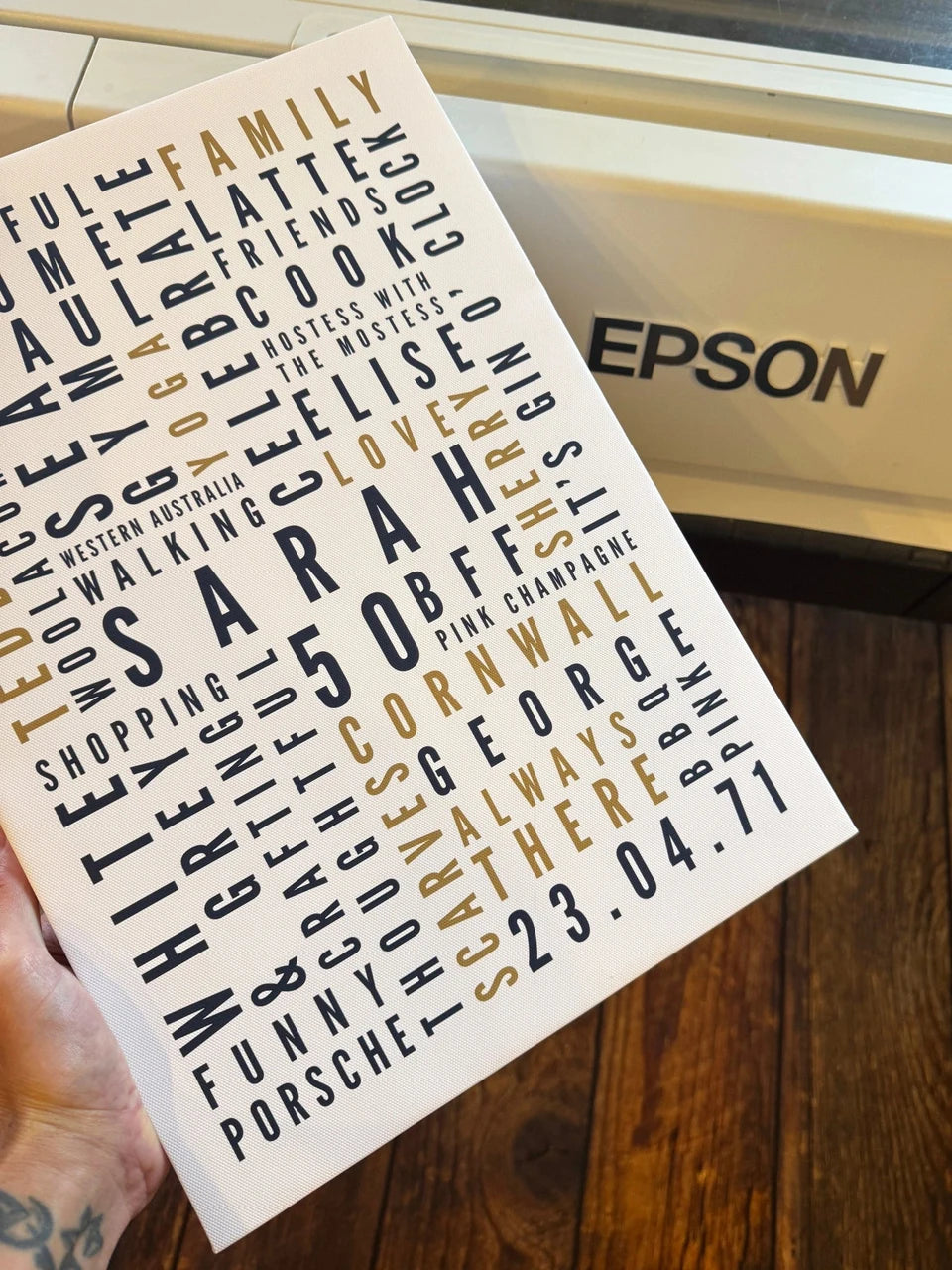
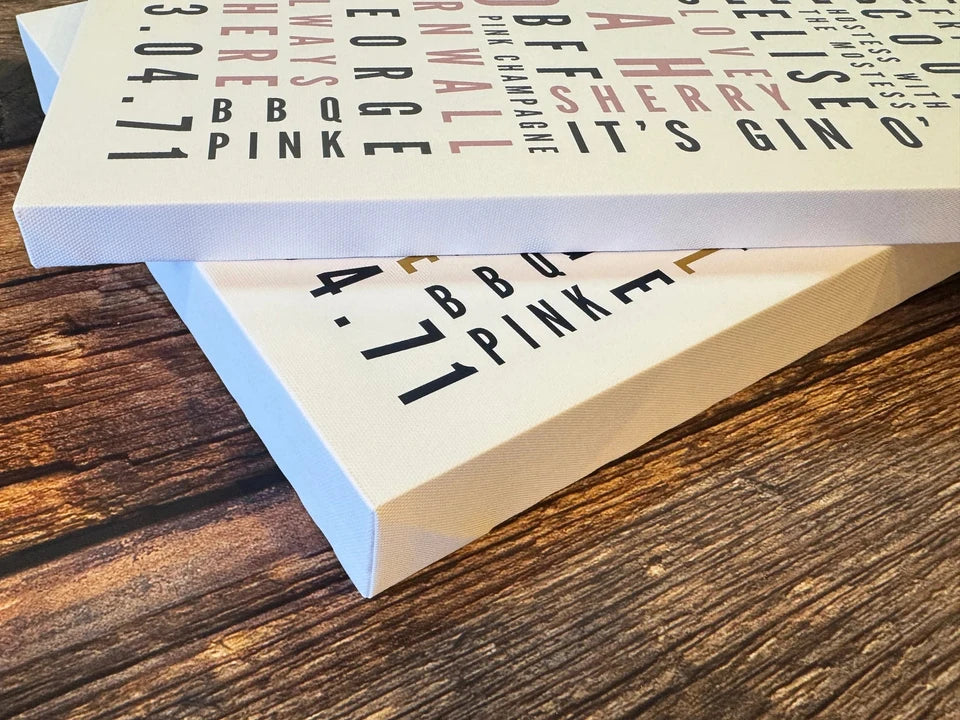
See the Word Art print options when you are ready to choose the format. Posters are supplied unframed; a floating frame is an optional canvas extra.
Found this guide useful?
Add Your Image 2 Canvas as a preferred source on Google.

3 for 2 · Mix and match
Canvas prints.
Quality you can see.
Printed and finished by our family team in West Yorkshire.
From £14.99, including free standard UK delivery.
Create your canvasMix qualifying physical Canvas and Poster prints. Cheapest qualifying base print free; upgrades and extras remain payable. Downloads excluded. Delivery exclusions apply.