

Word Art
Should I choose a light or dark Word Art background?
By Your Image 2 Canvas
Choose the colour combination that keeps your words clear and feels right in the room. Our Word Art creator lets you try the palettes and typography offered by your selected design before you finish.
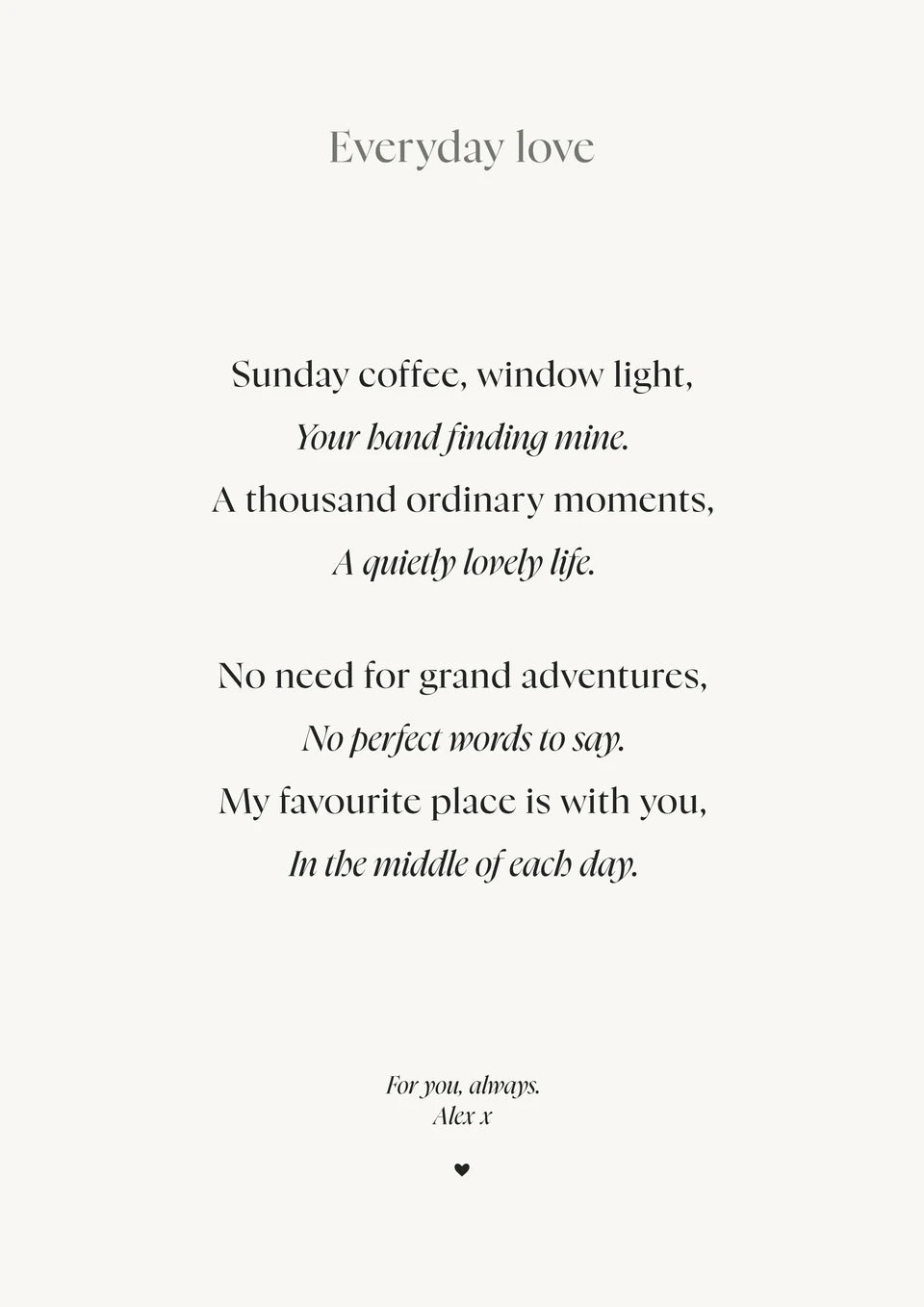
We would enter the wording first. It is easier to judge a colour when you can see your own names and message, rather than the sample text.
The same words can feel quite different
Our two “Everyday love” examples were both made in The Poem. They use the same verse, line breaks and Nyght Serif typography. Only the palette changes: White & black for the light version, Forest for the dark one.
The light print feels open and quiet. The dark green gives the same verse more presence. There is no need to rewrite the poem to try both looks.
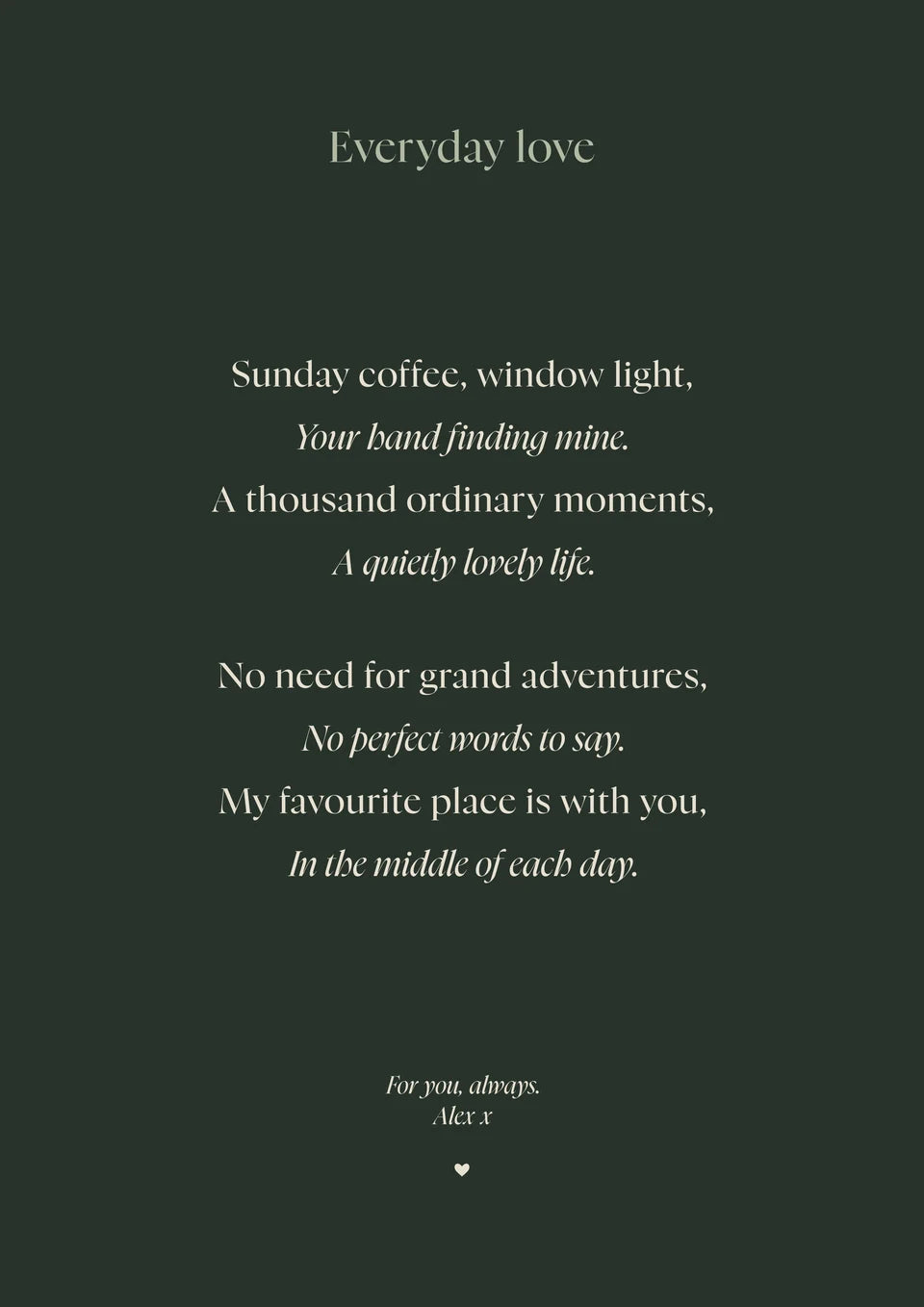
Try The Poem in our creator
Look beyond the largest name
Read the supporting lines and smaller details too. If a sentence takes effort to read, try a clearer combination or simpler type before settling on the colours.
A softer palette can work beautifully when the main words remain clear. Our Pale blue Initial example keeps the family name dark while the letter and supporting lines carry the softer colour.
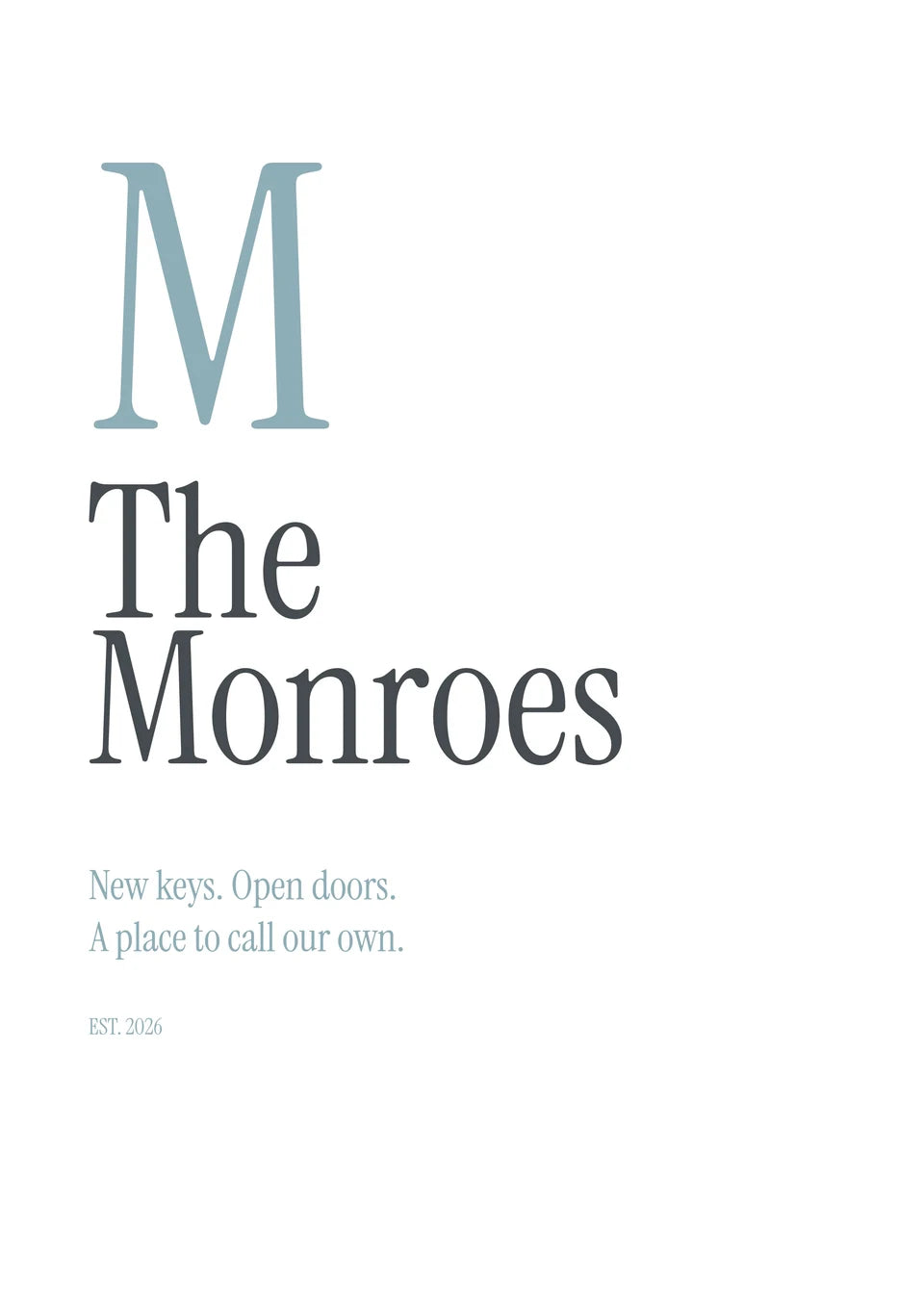
Try The Initial in our creator
For a richer look, our wedding heart uses Oxblood & Copper. That is an actual palette selected in the creator; the names, date and featured phrases were entered through its fields.
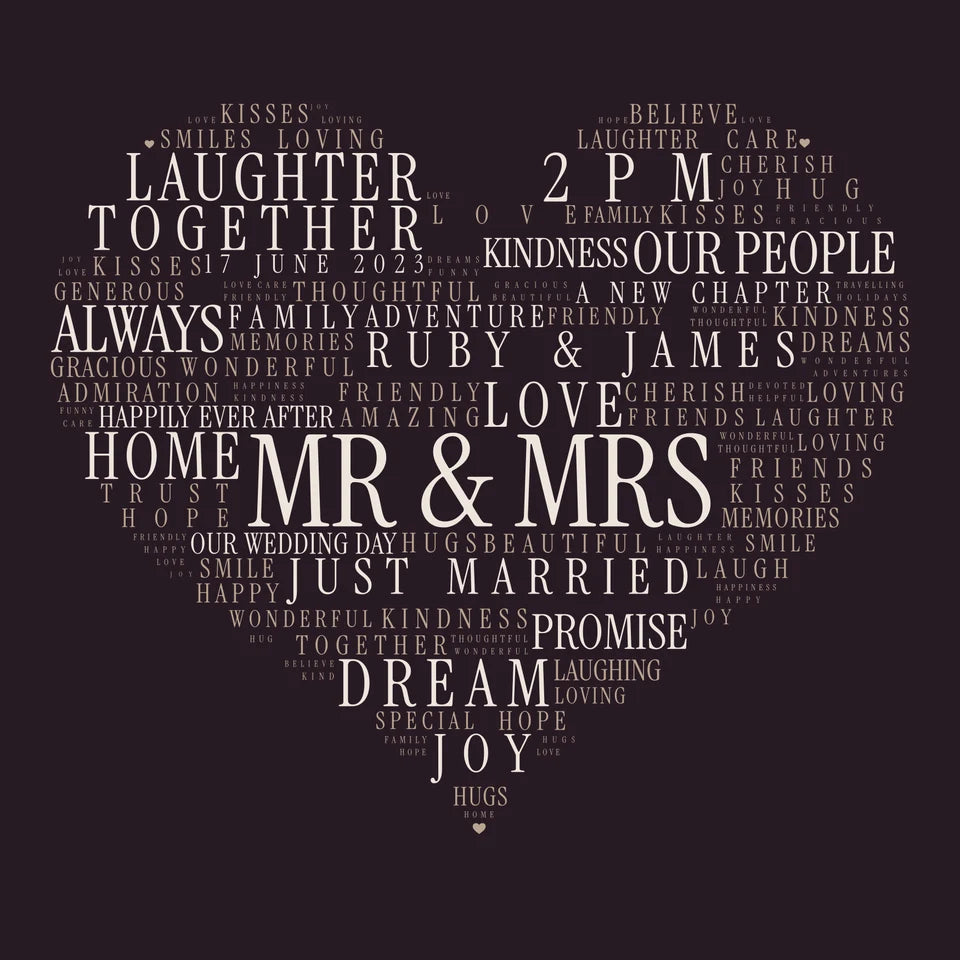
Try At the Heart in our creator
Try the type as well as the colour
A rounded style, a tall condensed face and an elegant serif give words different character. Use the typography choices available for your design, then check the complete preview again. Changing type does not turn one template into another layout.
The exact controls and choices depend on the design. Open the Word Art creator, choose the composition first, then compare its colour and type options with your own wording.
Read every name once more before choosing a free JPG or a physical print. Our step-by-step guide shows the review and download process. A screen is a guide to the overall look, rather than an exact printed colour proof.
If you want an illustrated background or a layout outside the available templates, use our custom AI design guide. Keep those designs separate from the builder choices, then upload the finished artwork for printing.
From artwork to a finished canvas
These photographs from our Word Art page show real finished prints and their physical finish. They are existing workshop examples, separate from the fictional designs we made for this guide.
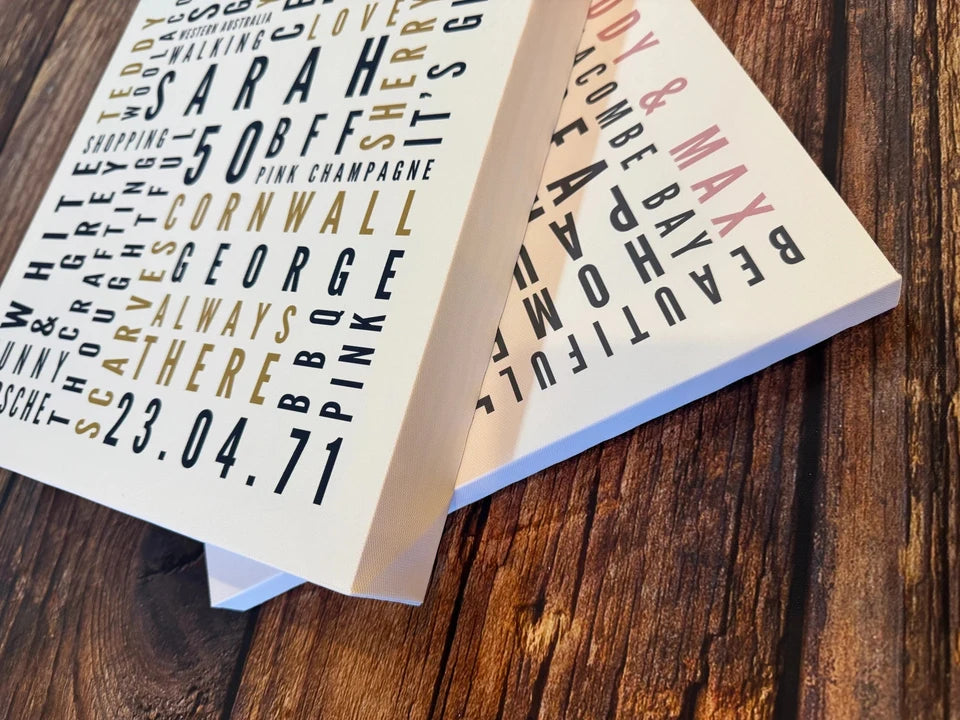
See the Word Art print options when you are ready to choose the format. Posters are supplied unframed; a floating frame is an optional canvas extra.
For more available app layouts, see our Word Art design guide. Custom AI alternatives are in the optional examples below.
Optional custom AI ideas—not available in our Word Art builder
These are separate custom designs. Use their prompts to make the flat artwork, check it, then upload the finished file through the normal print builder.
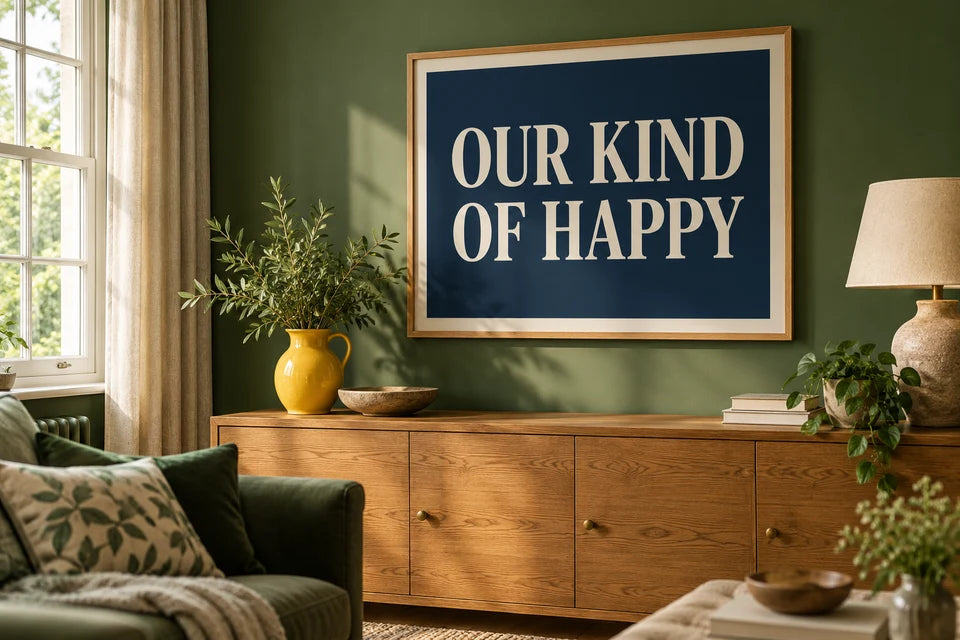
Custom AI design—not available in our Word Art builder.
Make a design like this in ChatGPT
Change the sample words, then paste the prompt into ChatGPT. It asks for the flat artwork, ready to check and upload for printing.
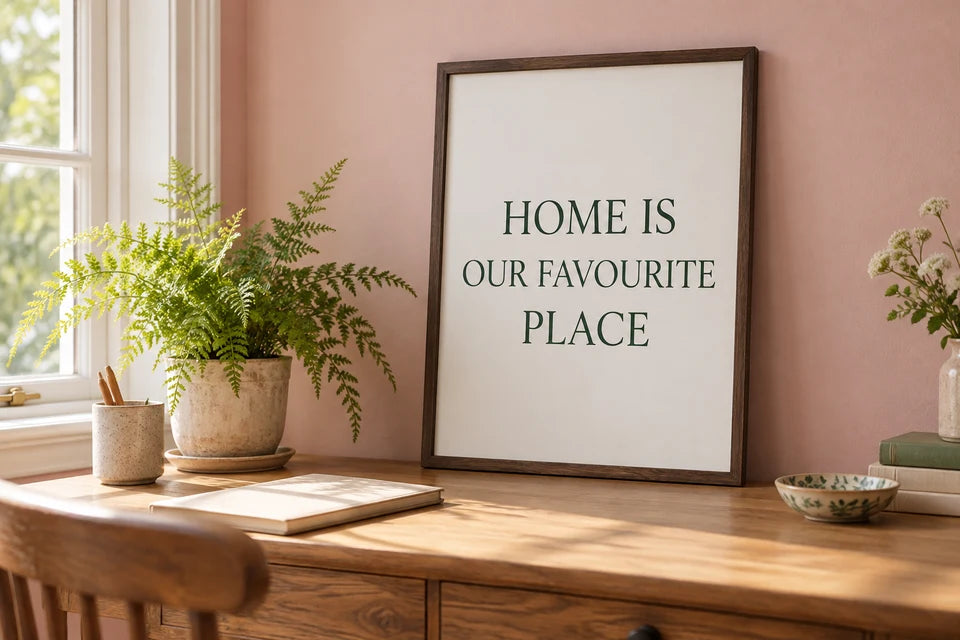
Custom AI design—not available in our Word Art builder.
Make a design like this in ChatGPT
Change the sample words, then paste the prompt into ChatGPT. It asks for the flat artwork, ready to check and upload for printing.
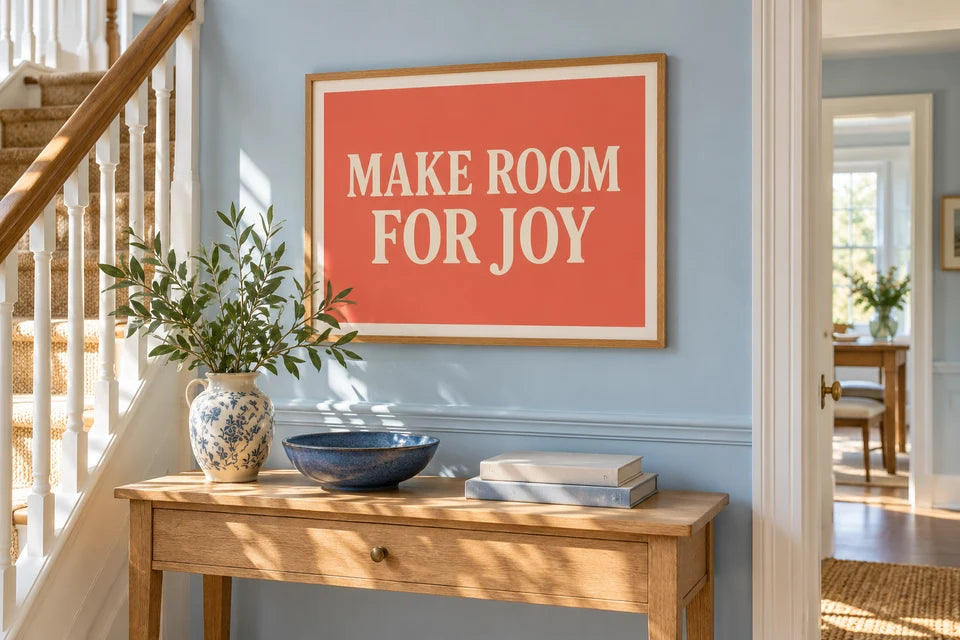
Custom AI design—not available in our Word Art builder.
Make a design like this in ChatGPT
Change the sample words, then paste the prompt into ChatGPT. It asks for the flat artwork, ready to check and upload for printing.
Found this guide useful?
Add Your Image 2 Canvas as a preferred source on Google.

3 for 2 · Mix and match
Canvas prints.
Quality you can see.
Printed and finished by our family team in West Yorkshire.
From £14.99, including free standard UK delivery.
Create your canvasMix qualifying physical Canvas and Poster prints. Cheapest qualifying base print free; upgrades and extras remain payable. Downloads excluded. Delivery exclusions apply.